Your desktop, alive.
Zinda turns your wallpaper into a living scene that plays behind your icons. Fish swim over to say hello when you move the mouse and dart away when you click. Rain runs down a misty window you can wipe clear, fireflies drift to your pointer, cherry petals blow past a snowy mountain. Eight hand-drawn scenes, an optional clock, and almost no power: it pauses by itself whenever an app fills the screen.
Version 1.0.0 · Windows 10 & 11
— downloads so far
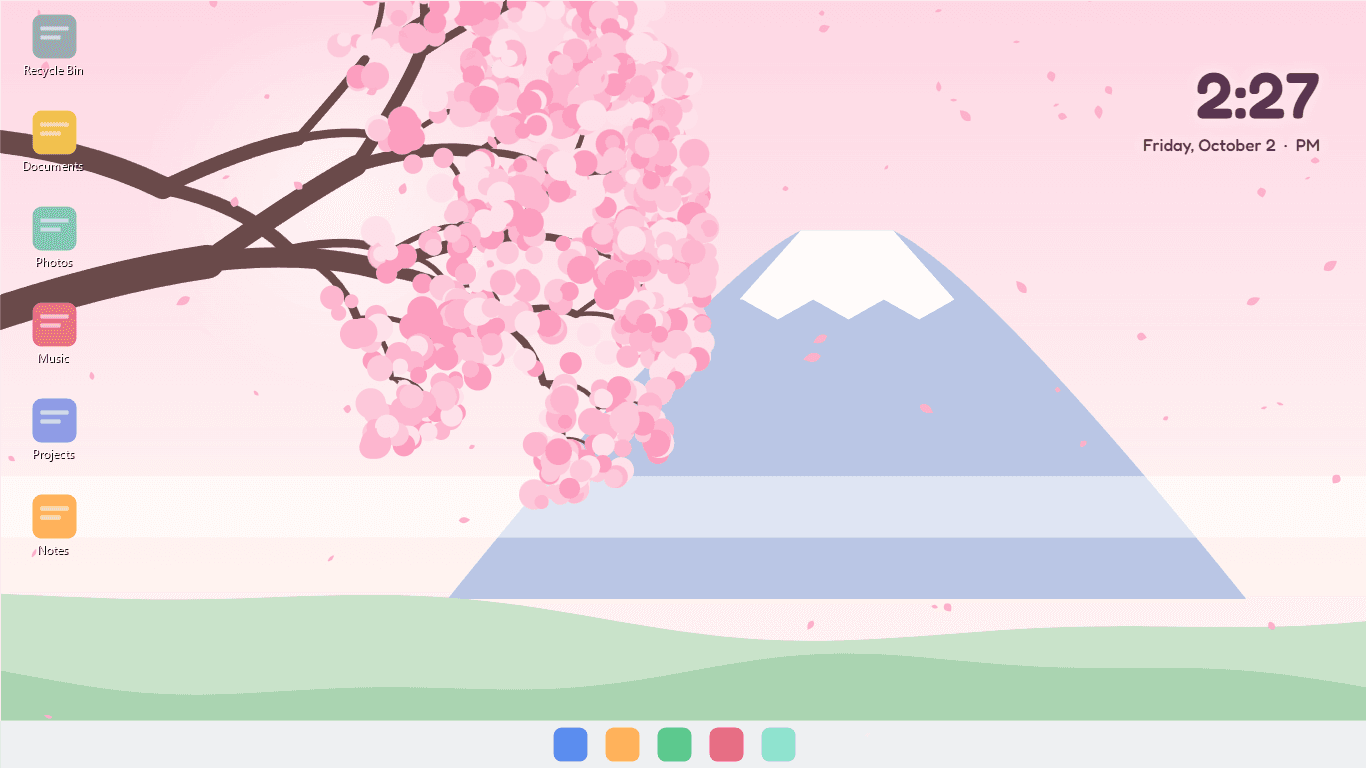
Behind your icons
A wallpaper that moves.
Zinda plays right where your wallpaper is: behind your desktop icons and your windows, never on top of them. Your icons, the taskbar and every app work exactly as before. On a PC with several monitors, each screen gets its own copy of the scene. Quit Zinda and your normal wallpaper comes straight back.
- Plays behind the icons, like an ordinary wallpaper
- Every monitor gets its own scene
- Optional clock and date, in the corner or big in the middle
- Your own wallpaper returns the moment you quit
It notices you
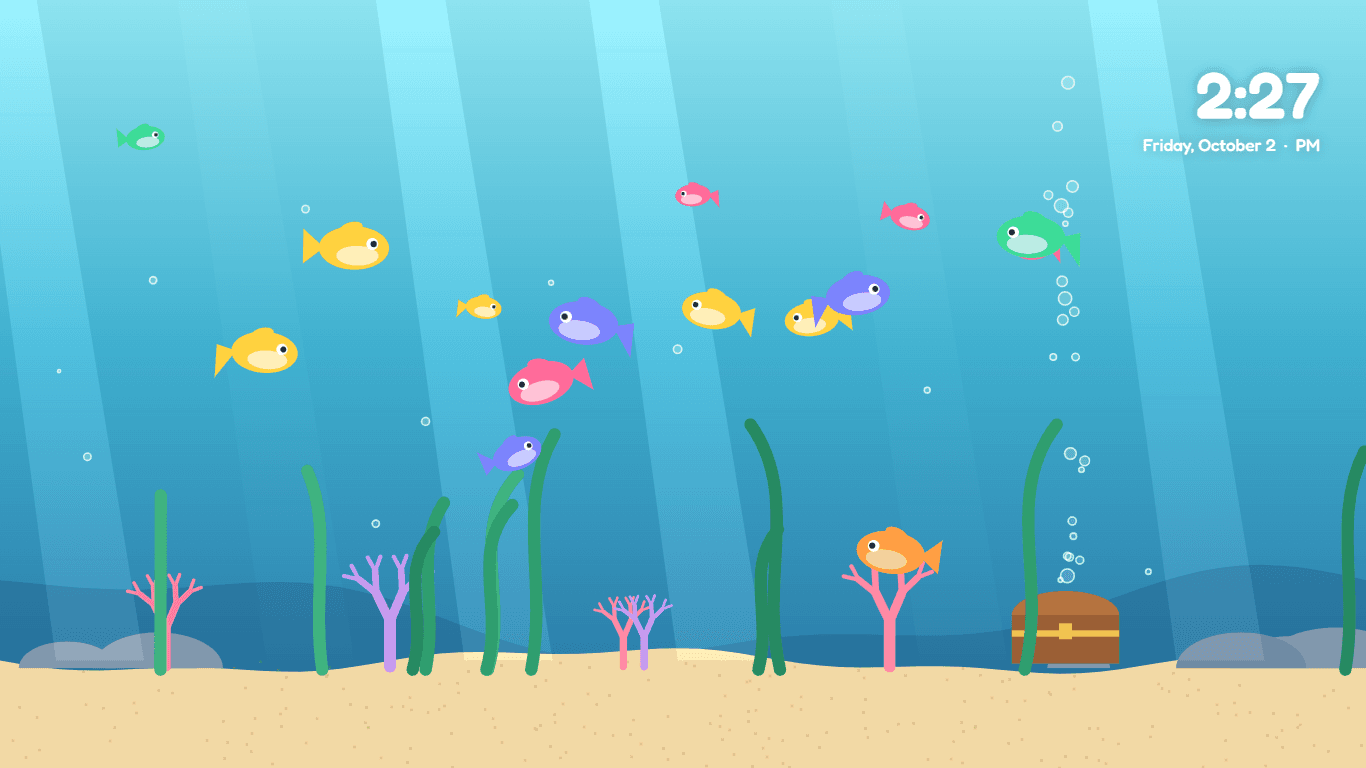
Fish that come to say hello.
Move the mouse over the desktop and the scene answers. Fish swim over to see what you are doing and scatter when you click. Fireflies drift towards the pointer and a click sends up a swarm. Your pointer wipes the fog off the rainy window, brushes the cherry petals aside, nudges the hot air balloons and launches lanterns into the sky.
- Aquarium: fish follow the pointer and dart away from a click
- Foggy window: wipe the mist with the pointer
- Fireflies, petals, balloons and lanterns all react
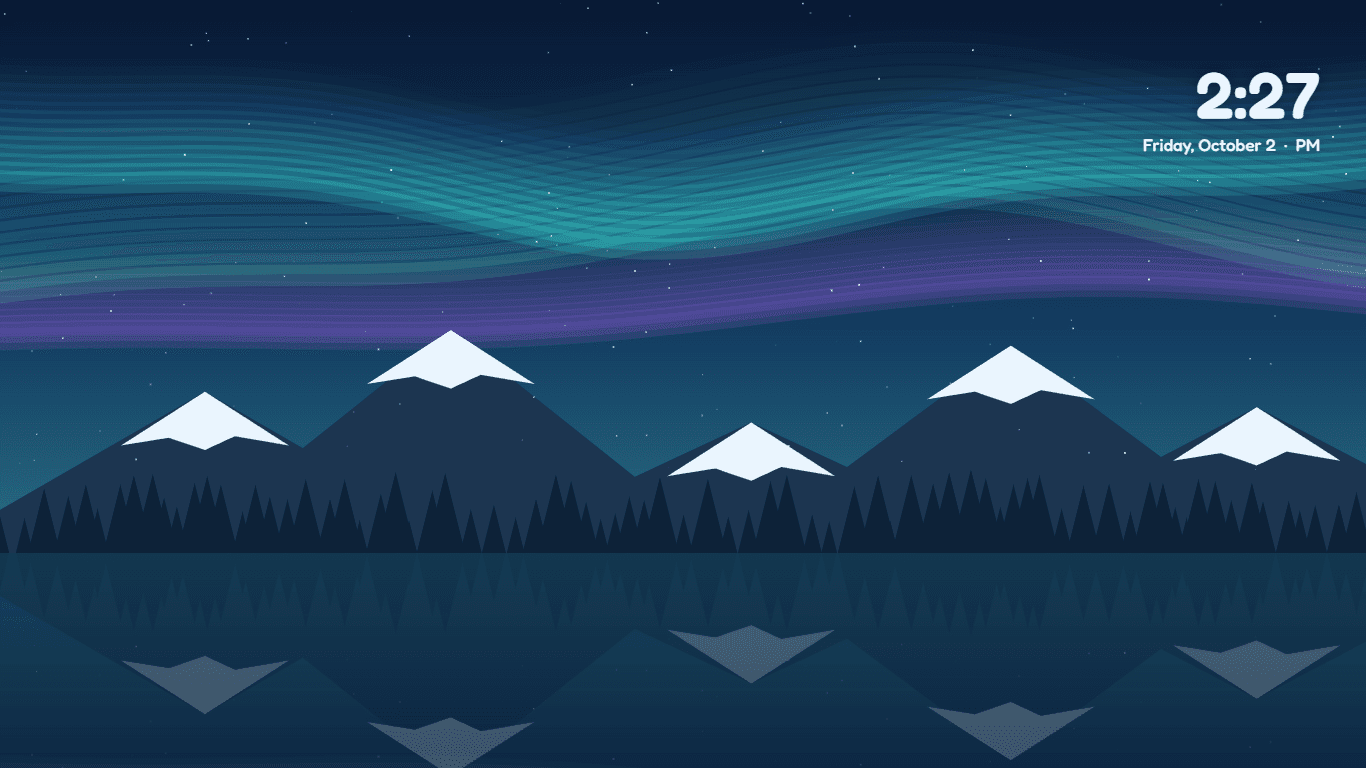
- Click the aurora sky for a shooting star
Eight scenes
From the sea floor to the northern lights.
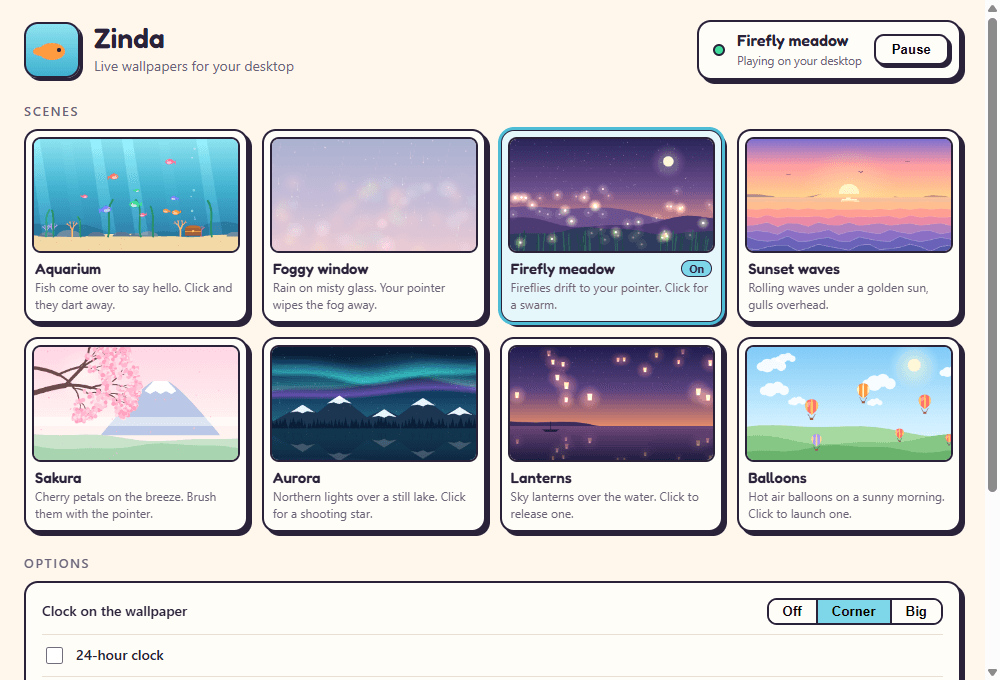
Aquarium, Foggy window, Firefly meadow, Sunset waves, Sakura, Aurora, Lanterns and Balloons. Every one is drawn and animated by Zinda itself rather than played from a video, which keeps the whole download around 2 MB and the scenes sharp on any screen. Pick one in the Zinda window, where every scene plays as a live preview.
- Eight hand-drawn scenes, each one animated
- Live previews to choose from
- Sharp on any screen size, no video files
- Next scene straight from the tray menu
Light on your PC
It pauses when nobody can see it.
When an app fills the screen — a game, a film, a maximised browser — the wallpaper cannot be seen, so Zinda stops drawing until it can. It also rests while the PC is locked and, if you like, on battery. While it plays, the drawing is done on the graphics chip: on our test PC the aquarium used under 1% of one processor core.
- Pauses while an app fills the screen
- Pauses while the PC is locked
- Optional: pause on battery
- 30 or 60 frames a second, your choice
8
Animated scenes
drawn, not videos
<1%
Of one CPU core
measured, aquarium
2.1 MB
Download
the whole app
Ready to try Zinda?
Free. No ads, no account. Updates itself.
A look inside Zinda.
Behind your icons
Aquarium
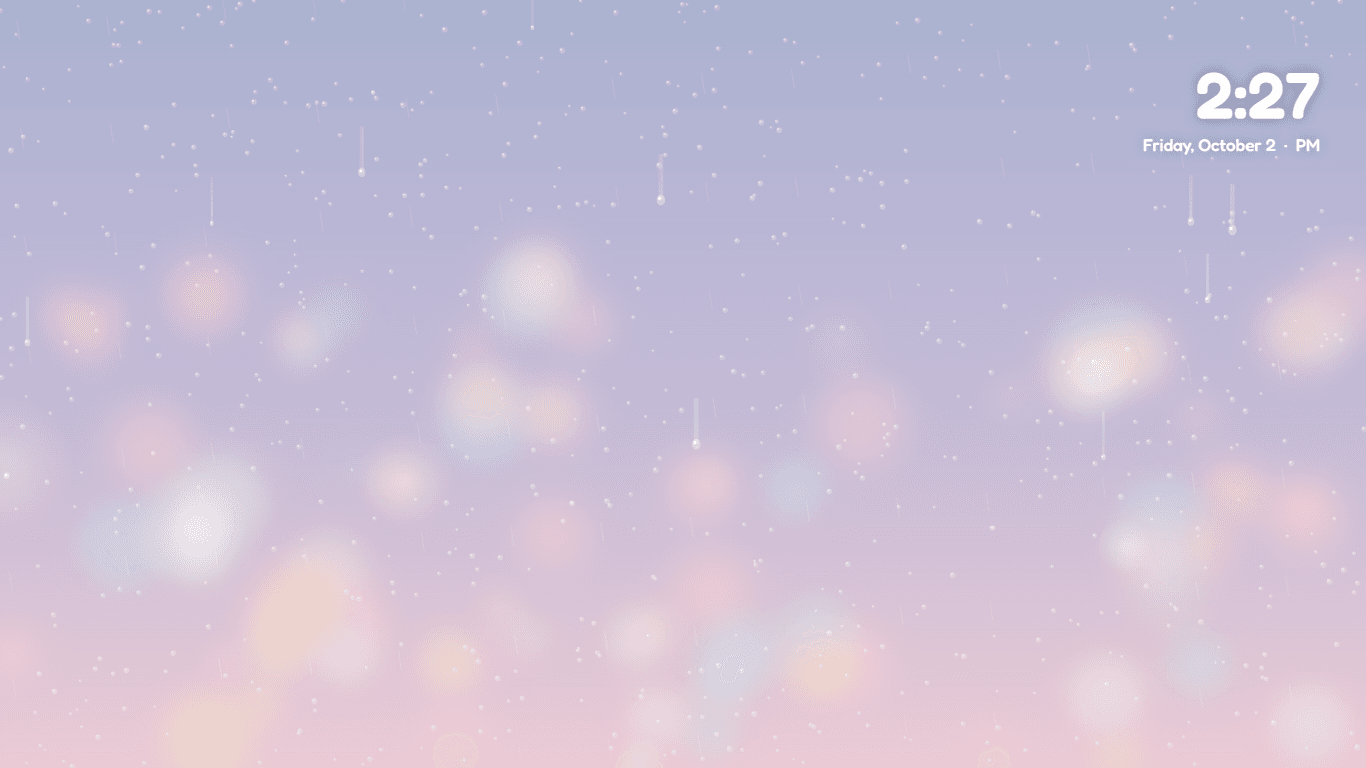
Foggy window
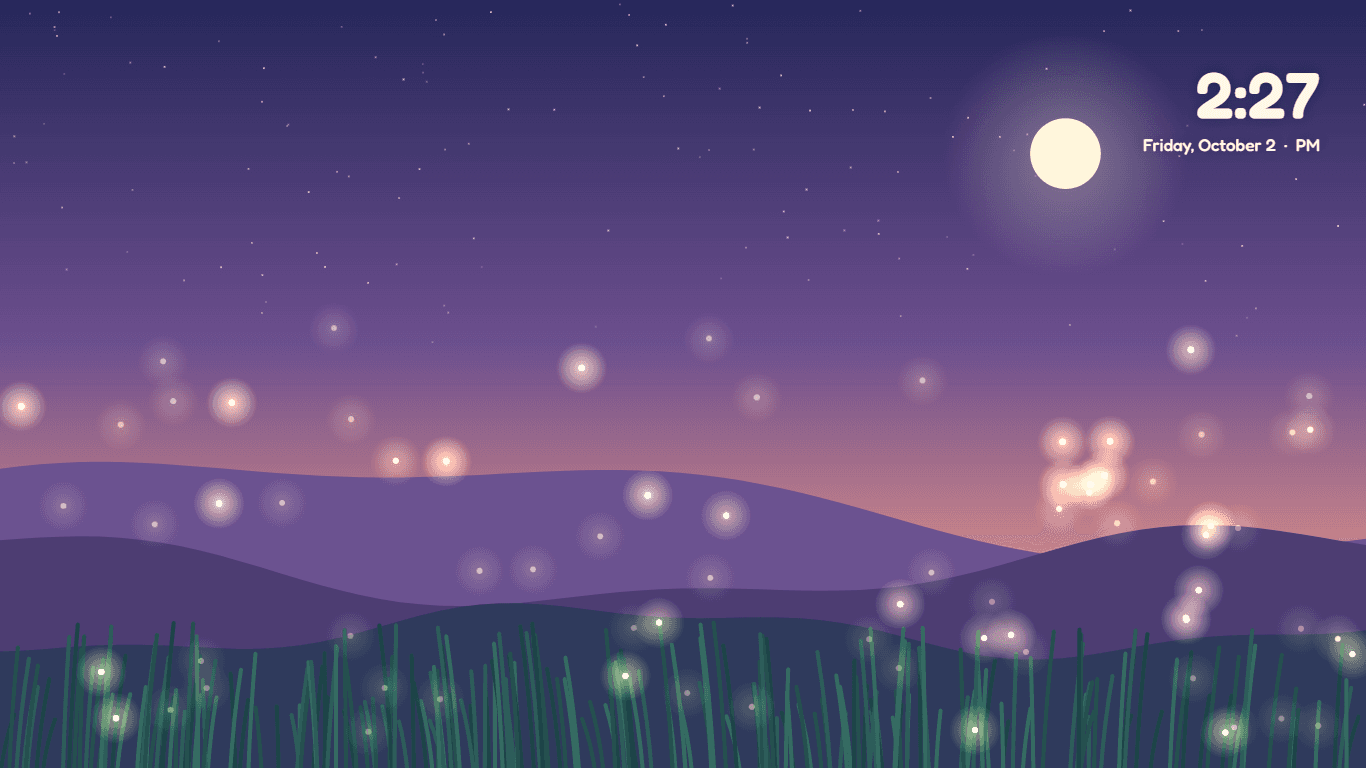
Firefly meadow
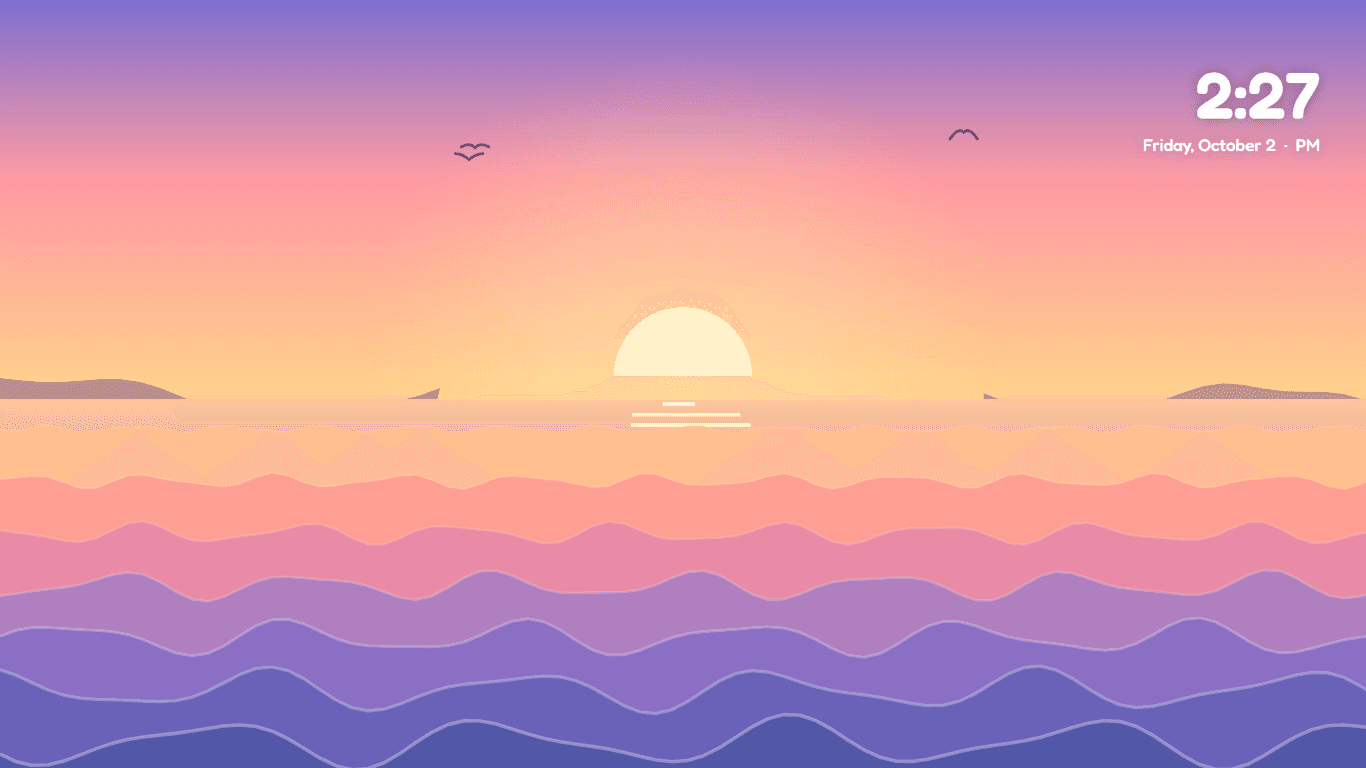
Sunset waves
Aurora
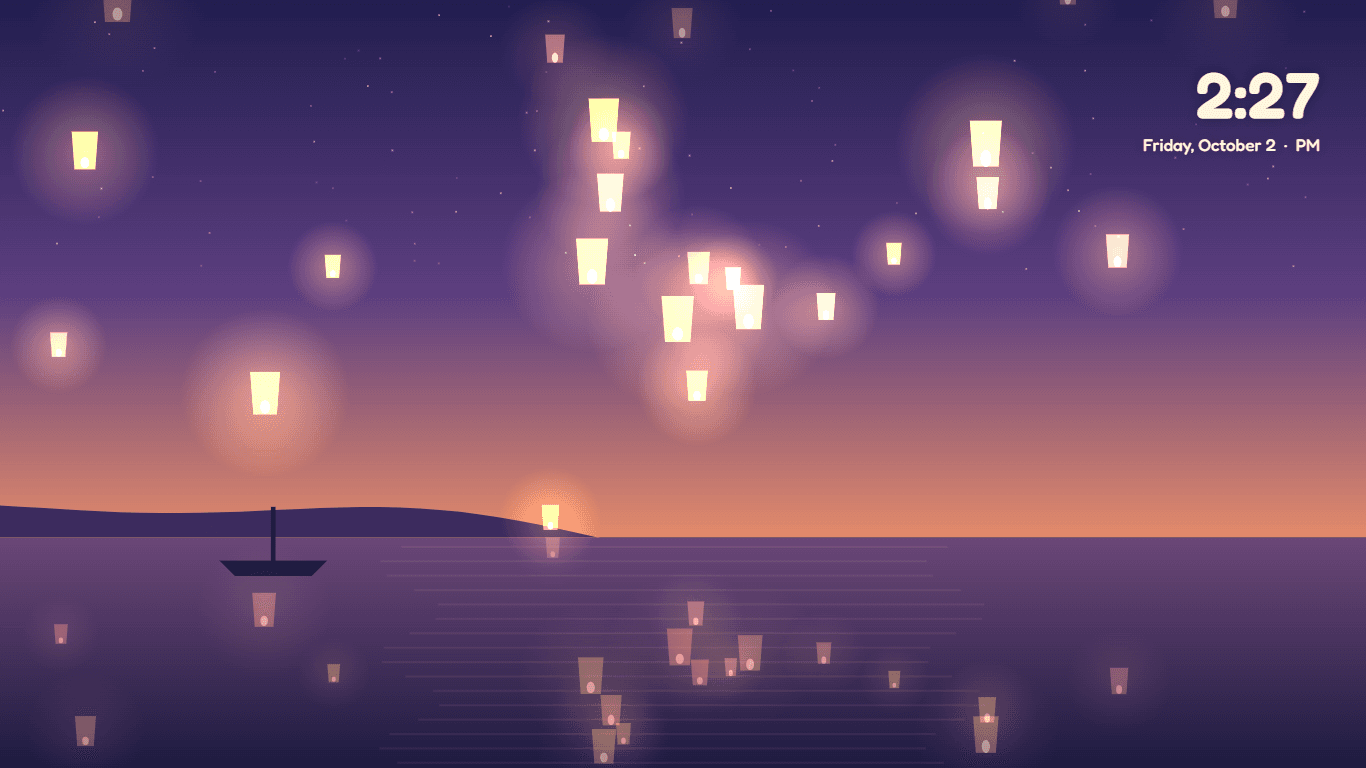
Lanterns
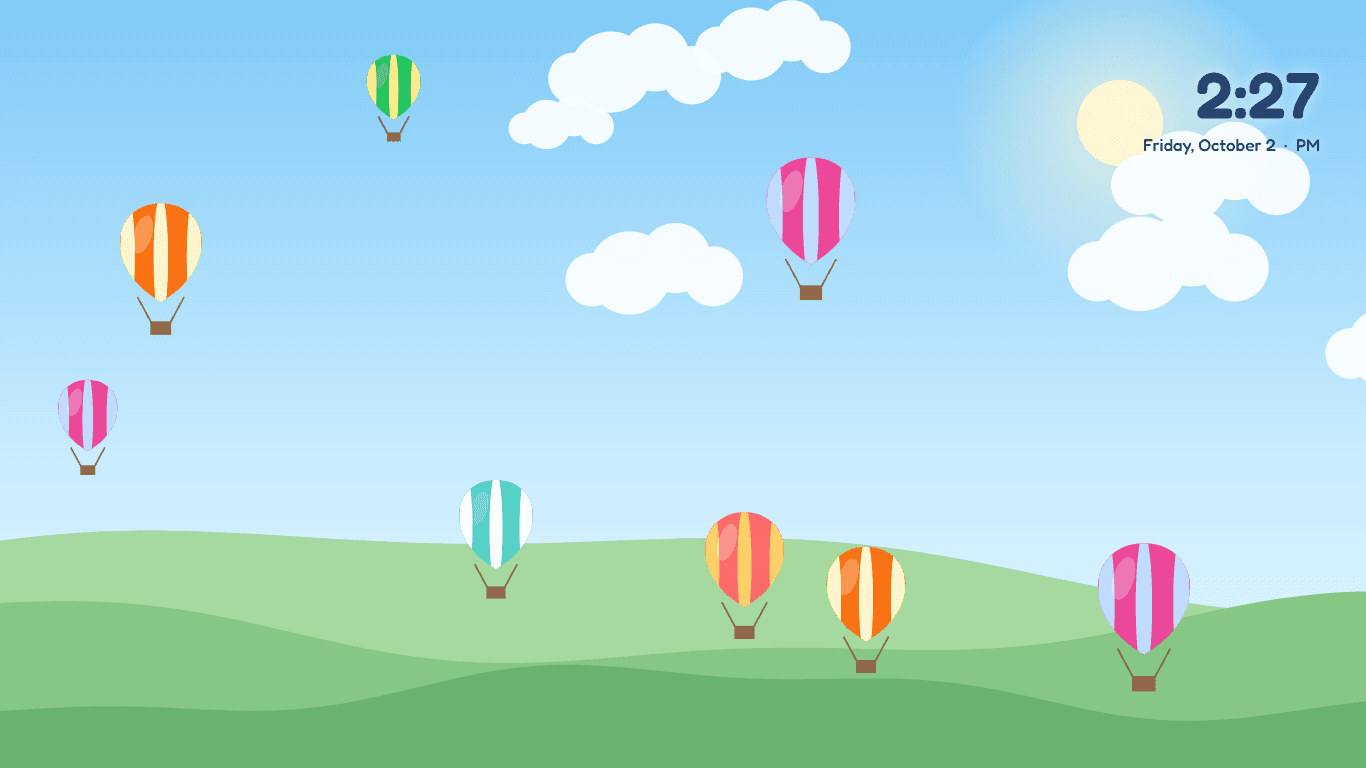
Balloons
Choose a scene
Everything you need.
The rest of what Zinda does.
Behind your icons
Plays where your wallpaper is, under the icons and every window.
Reacts to your mouse
Fish follow the pointer, fireflies gather, fog wipes away.
Desktop clock
Time and date on the wallpaper, in the corner or big in the middle.
Pauses itself
Stops when an app fills the screen, when locked and on battery.
Every monitor
Each screen gets its own copy of the scene.
Always the latest
New versions install themselves.
Common questions.
Everything you need to know about Zinda.
Is Zinda free?
Yes. No advertising, no account, no in-app purchases and no analytics. It goes online only to check this site for a new version.
Will it slow my PC or games down?
Zinda stops drawing whenever an app fills the screen, so during a game, a full-screen video or a maximised window it uses next to nothing. While the desktop is in view, the graphics chip does the drawing; on our test PC the aquarium used under 1% of one processor core. You can also make it pause on battery, and choose 30 frames a second instead of 60.
Where did my normal wallpaper go?
Nowhere. Zinda plays on top of it, behind your icons, and never changes it. Quit Zinda from the tray menu and your own wallpaper comes straight back.
How do the fish know where my mouse is?
While the desktop is showing, Zinda reads where the pointer is and whether you clicked on the desktop, and tells the scene. It does not read the keyboard, does not look at your screen and does not record anything.
Does it work with more than one monitor?
Yes. Each monitor gets its own copy of the scene, framed for that screen, and the clock shows on each one.
Does it start with Windows?
If you leave that box ticked when you install it, yes, so your wallpaper is alive as soon as you sign in. You can switch it off in the Zinda window at any time.
Windows said Zinda needs WebView2. What is that?
Microsoft Edge WebView2 is a free part of Windows that draws Zinda's scenes. It is already on every Windows 11 PC and nearly every Windows 10 one. If yours is missing it, Zinda offers to open Microsoft's download page.
Windows showed a blue “Windows protected your PC” screen. Is it safe?
That is SmartScreen, which Windows shows for new software from a small publisher it has not seen many downloads of yet. Click More info, then Run anyway. The installer is checked by dozens of antivirus engines on VirusTotal, and the result is shown on this page. It installs for your Windows account only and needs no admin rights.

Get Zinda today.
Free. No ads, no account. Updates itself.
Version 1.0.0 · Windows 10 & 11
Counting visitors…
Reviews & suggestions.
Used Zinda? Rate it, and tell us what to add or fix — we read every one.
Loading reviews…
Be the first to rate Zinda.