Paste a link. Grab it.
Paste a link and the file saves straight to your phone. Then keep going — fourteen editing tools run right there on the device, so a clip never has to leave it to be trimmed, merged or turned into a GIF.
Coming to Google Play soon.
— downloads so far
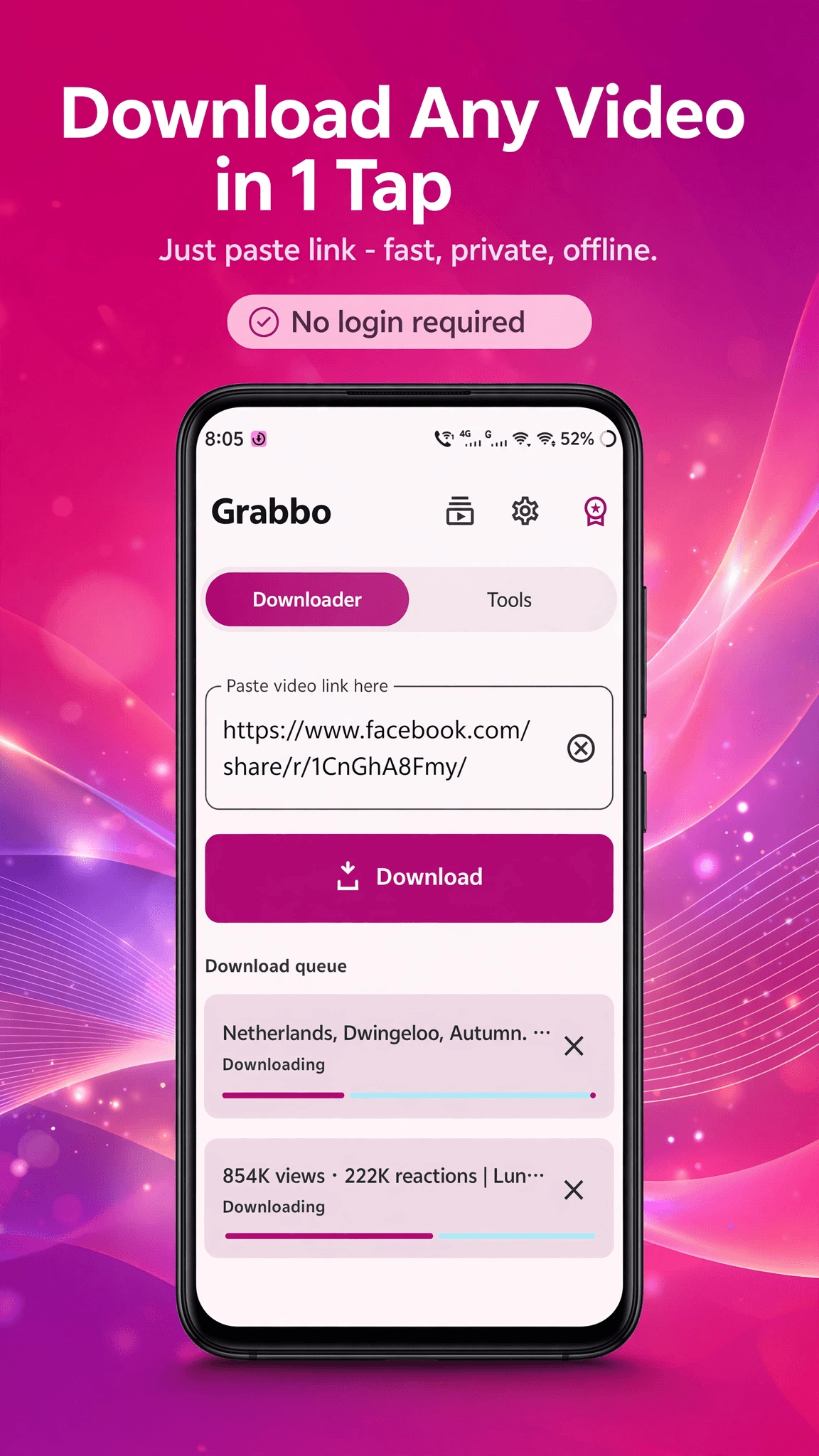
How it works
Three taps, then it is on your phone.
Copy a link, open Grabbo, and the paste button is already waiting in the field. Pick the quality you want and the download starts. Files land in your Downloads folder where every other app can find them.
- Paste button sits inside the URL field — no hunting through menus
- Choose your quality and format before the download starts
- Saves to your phone's normal Downloads folder
- Pick any other folder you like, with the system file picker
Built to stay out of the way
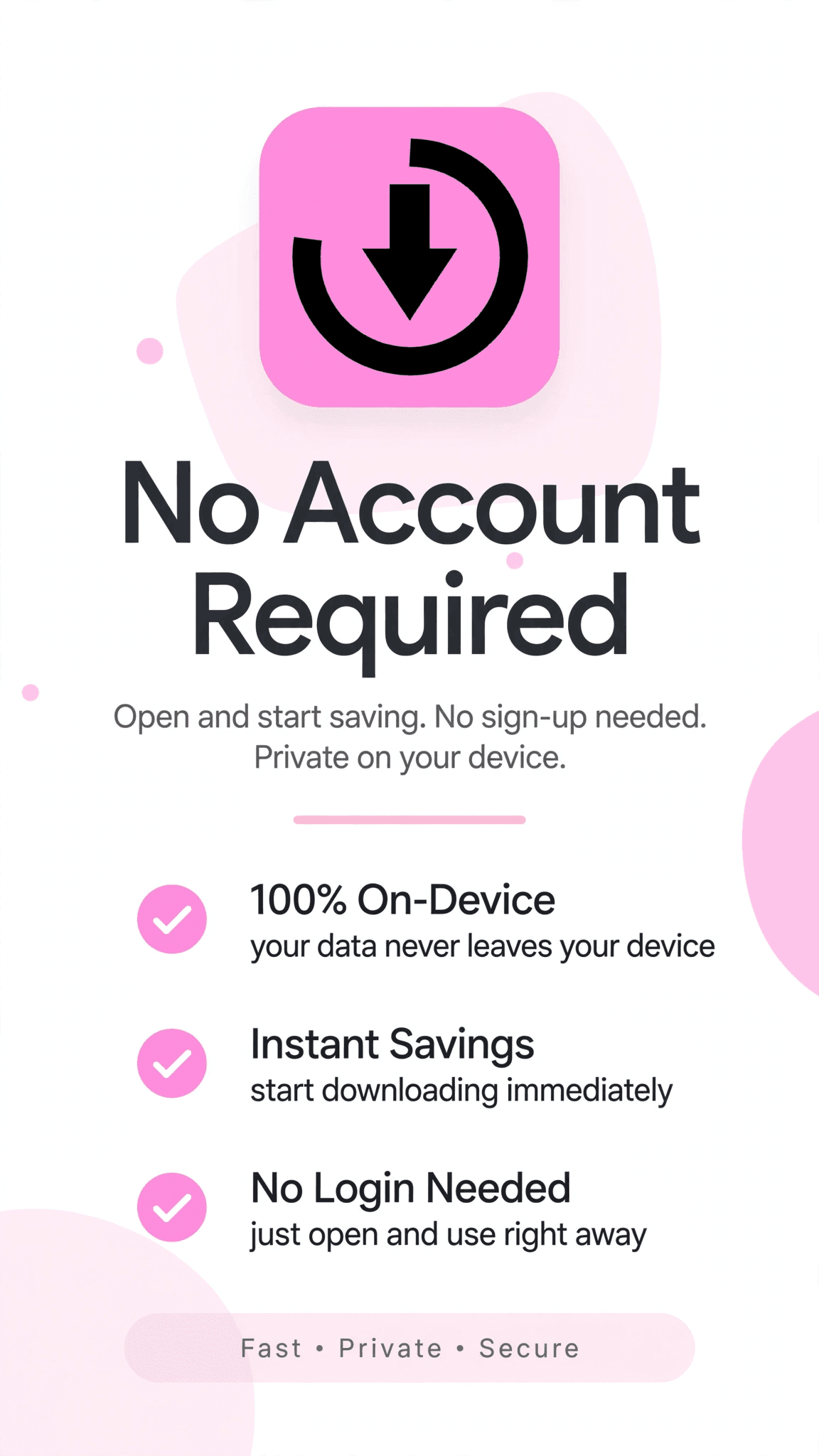
No account. No sign-in. No clutter.
There is nothing to register for and nothing to log into. Grabbo does not have a profile, a feed, or a reason to know who you are. It downloads a file and then gets out of your way.
- No account, no email, no profile
- Downloads keep running with the app in the background
- Queue several at once and let them finish
- A download history you can clear whenever you like
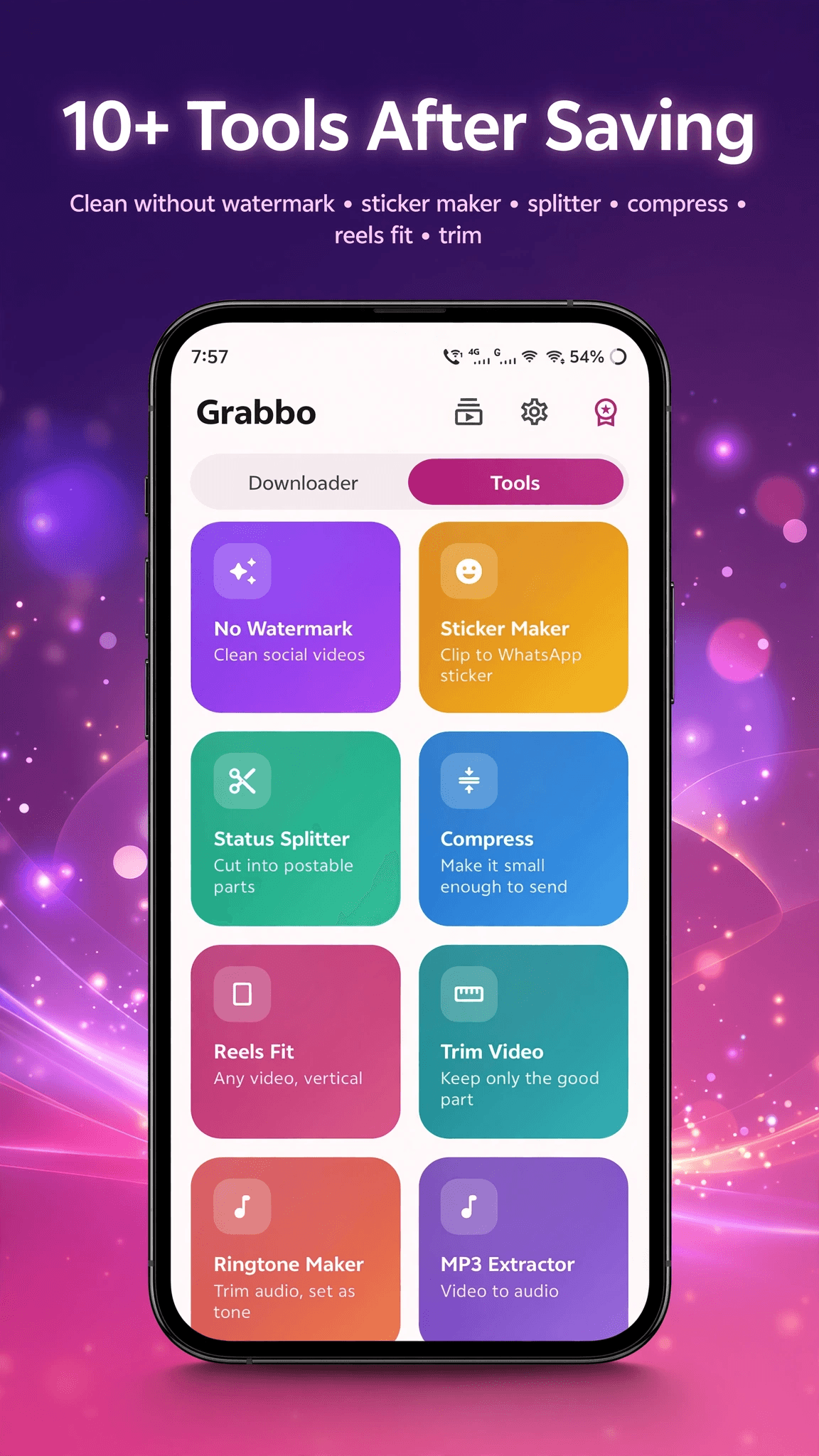
The toolkit
Fourteen tools, all on your phone.
Once a file is on the device you rarely want it untouched. Trim it, merge a few together, compress it for sending, pull the audio out as an MP3 or a ringtone, or turn a clip into a GIF or a sticker pack. Every one runs locally — nothing is uploaded to be processed.
- Trim, merge, split, compress and change speed
- MP3 and ringtone extraction from any clip
- GIF, boomerang, slideshow and WhatsApp sticker packs
- Reframe for a different aspect ratio
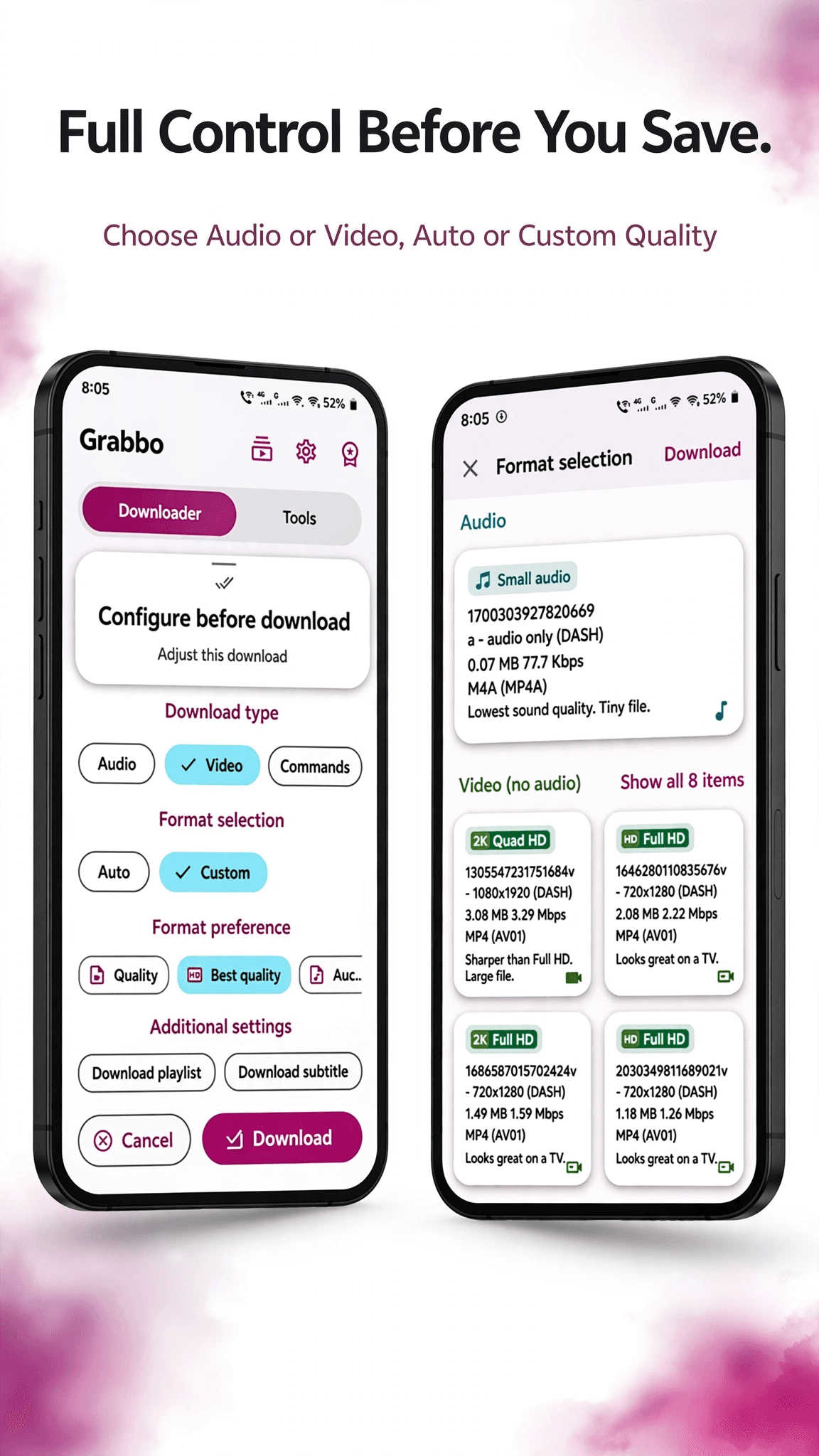
Quality
Up to 4K, or just the audio.
Grab the highest quality a site offers, or drop to something smaller when you are on mobile data. If you only want the sound, save the audio track on its own and skip the video entirely.
- Video up to 4K where the source provides it
- Audio-only downloads when you just want the sound
- Pick a smaller size to save mobile data
- Subtitles saved alongside the video when they exist
0
Accounts needed
nothing to sign up for
4K
Maximum quality
where the source offers it
14
Editing tools
all running on the device
Ready to try Grabbo?
Completely free. No ads, no subscription.
A look inside Grabbo.
One-tap download
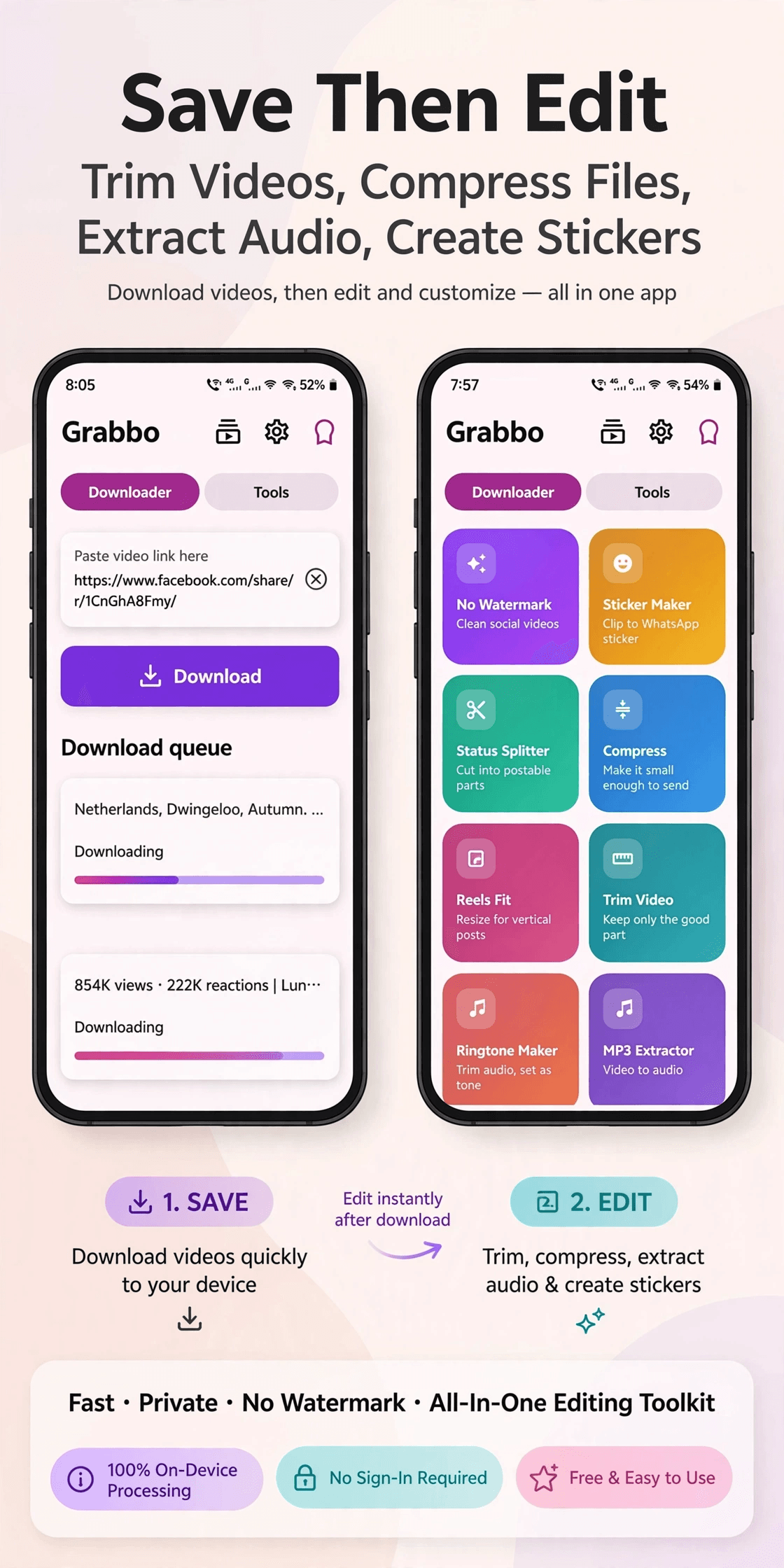
Save, then edit
The toolkit
Full control
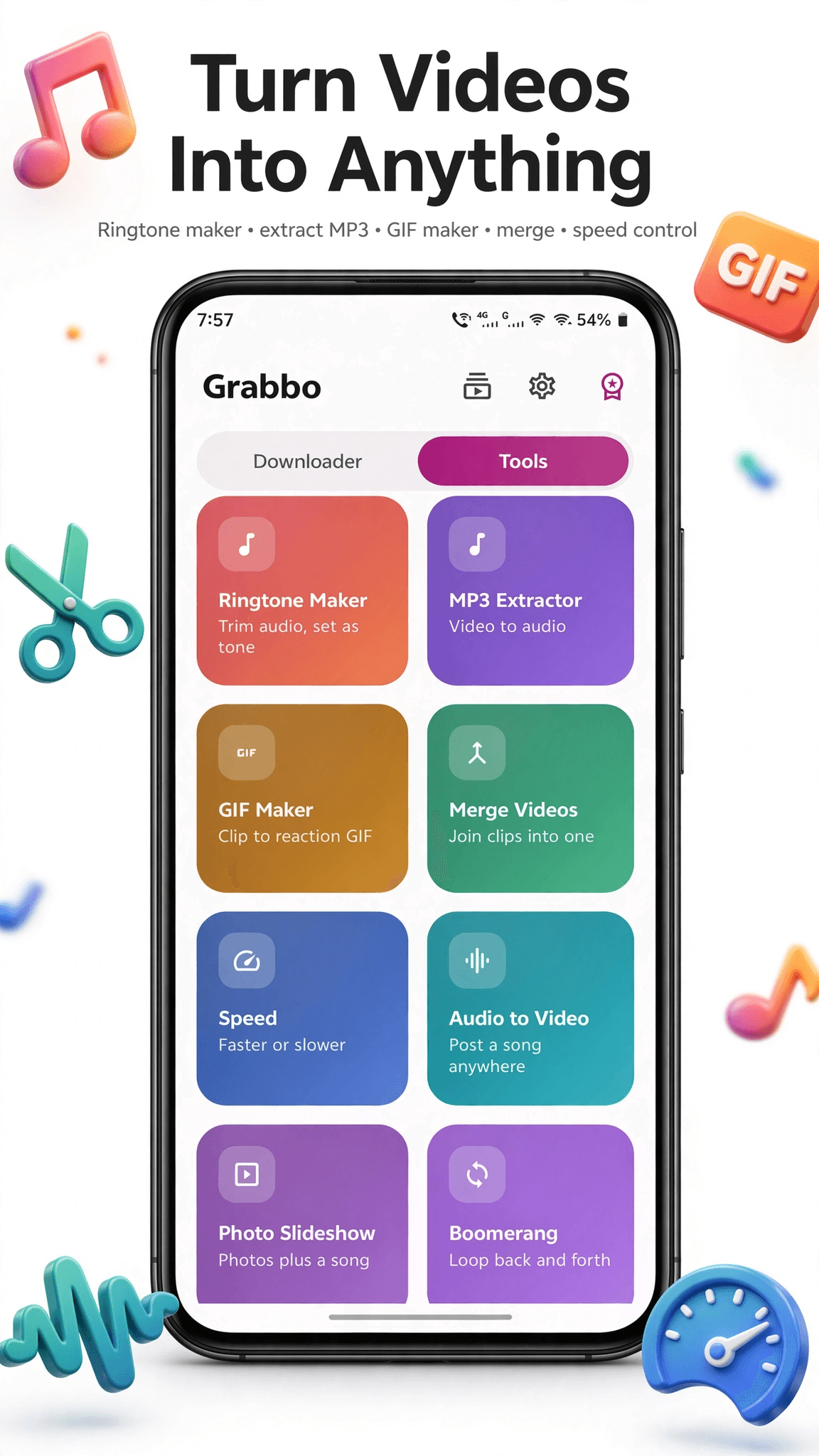
Turn it into anything
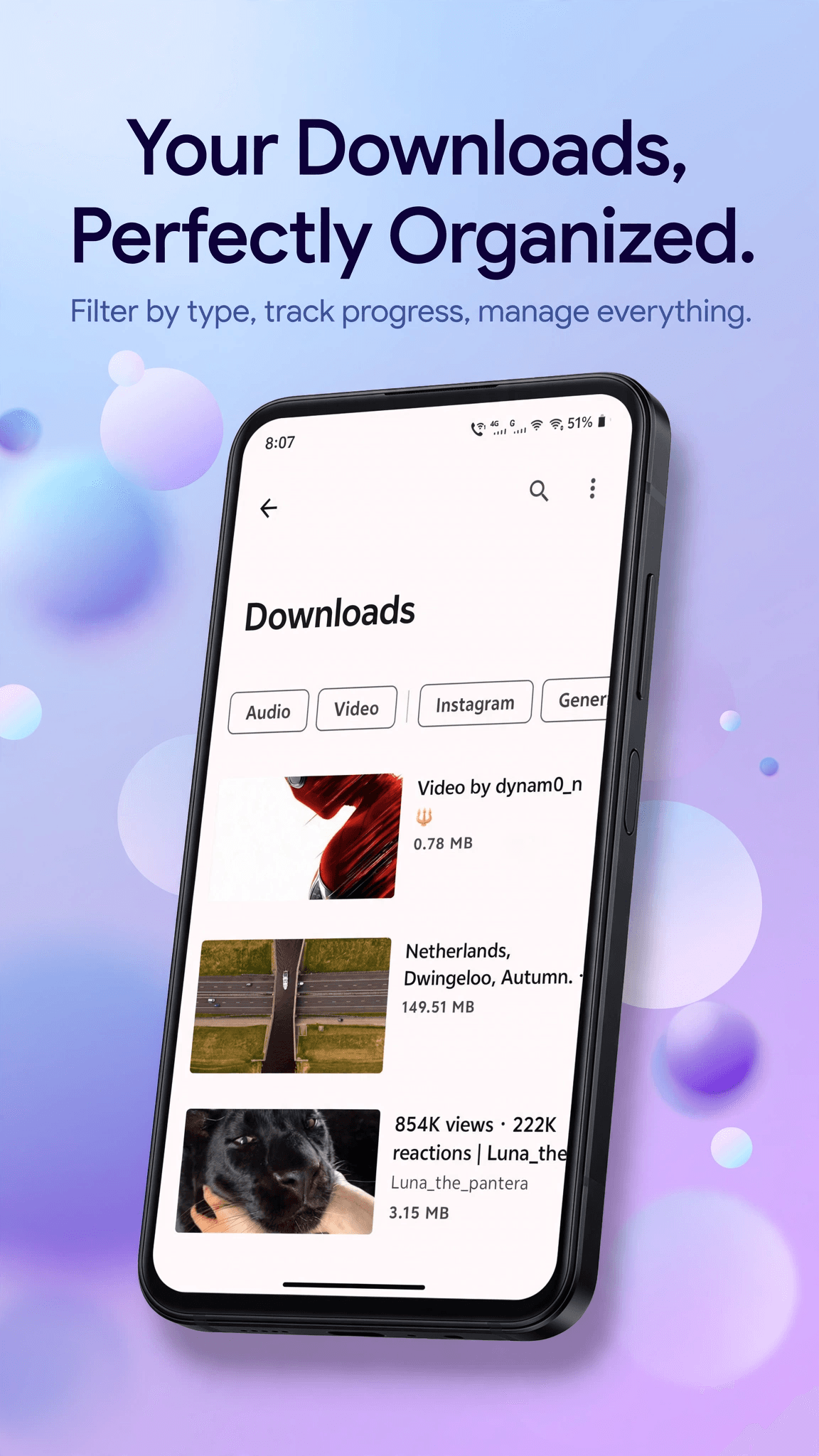
Your downloads
No account
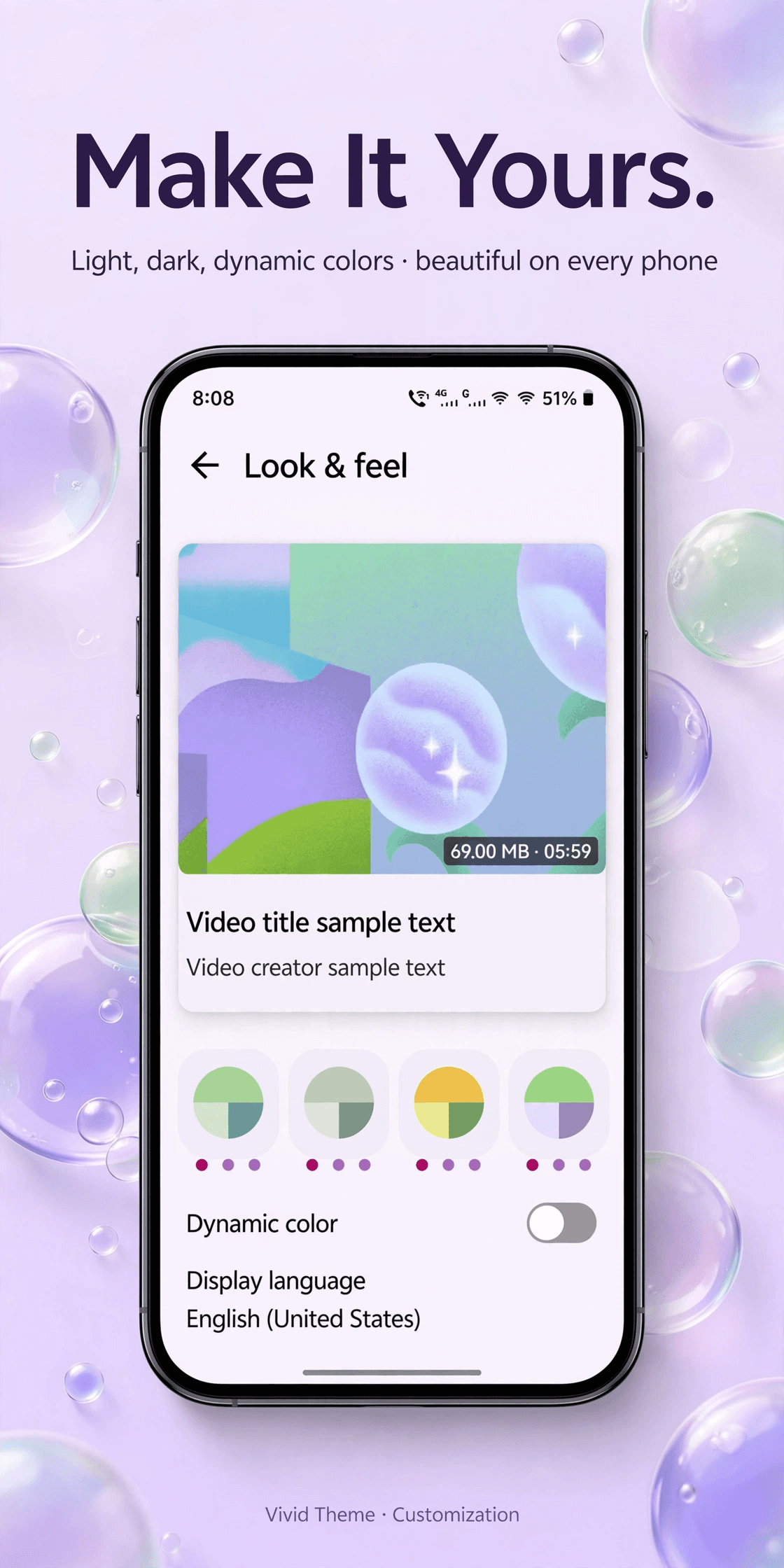
Make it yours
Everything you need.
The rest of what Grabbo does.
Paste and go
The paste button is inside the URL field. Copy a link, open the app, tap once.
Background downloads
Start a download and leave. It keeps going with the app closed.
Download queue
Line several up at once and let them work through in order.
Audio only
Skip the video and save just the sound track when that is all you wanted.
Choose your folder
Defaults to Downloads. Point it somewhere else with the system picker.
Clearable history
Every download is listed so you can find it again — or wipe the list.
Common questions.
Everything you need to know about Grabbo.
Does Grabbo need an account?
No. There is no sign-up, no email and no profile. Open the app, paste a link, and download. Grabbo has no reason to know who you are.
Where do my downloads go?
By default, into your phone's normal Downloads folder, in a Grabbo subfolder. Every other app on your phone can see them there. You can point Grabbo somewhere else using Android's own folder picker.
Is Grabbo free?
Yes, completely. No subscription, no in-app purchases, no ads and no account. Every download and all fourteen editing tools are free for everyone, with no daily limits and nothing held back.
Which sites does Grabbo support?
Grabbo works with a very large number of public video sites. It does not support every site on the internet, and some sites deliberately block downloading — when that happens the download will fail rather than produce a broken file. Sites also change; Grabbo updates its download engine automatically, and you can also trigger an update yourself from Settings → About → Update download engine.
Can I download anything I want with it?
Grabbo is a tool, and how you use it is your responsibility. Only download content you have the right to save — your own uploads, material published under a licence that permits it, or anything the copyright holder has allowed. Respect the terms of the sites you use and the law where you live.
Does Grabbo show ads?
No. Grabbo contains no advertising at all - no banners, no full-screen ads, no rewarded videos. There is no ad network in the app, so no advertising identifier is read and nothing about you is sent to an advertiser.
Do the editing tools upload my video anywhere?
No. Every tool — trimming, merging, compressing, GIF, MP3, stickers — runs on your phone. Your files never leave the device to be processed, which is also why the tools keep working without a signal.
Does Grabbo have a dark mode?
Not currently. Grabbo ships in light mode only for now. A dark theme is on the list.
Where do I get Grabbo?
Free, as a direct download on this page. Any file offered anywhere else is not ours. When a new version comes out, Grabbo downloads it from inside the app and asks you to install it, and the download engine can also be refreshed any time under Settings.

Get Grabbo today.
Completely free. No ads, no subscription.
Coming to Google Play soon.
Counting visitors…
Reviews & suggestions.
Used Grabbo? Rate it, and tell us what to add or fix — we read every one.
Loading reviews…
Be the first to rate Grabbo.