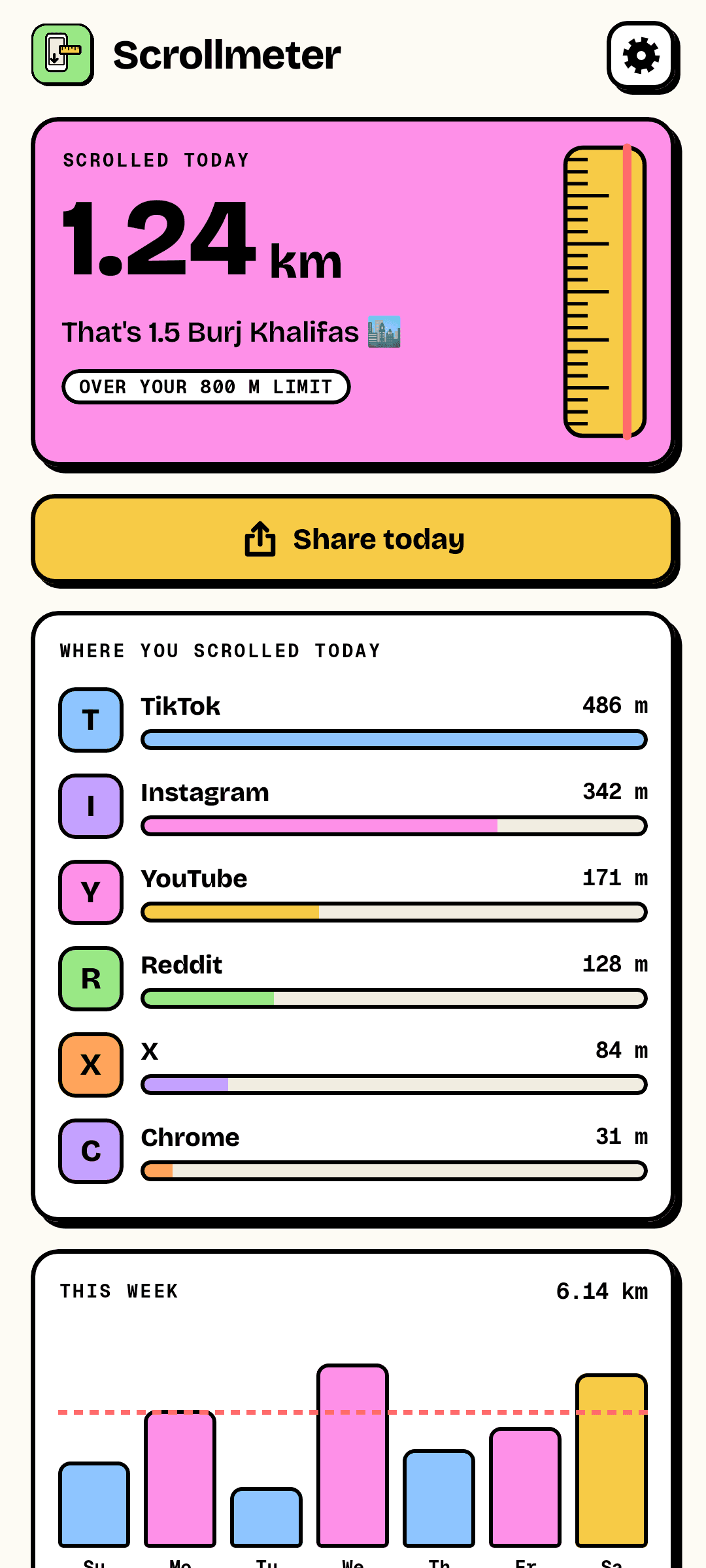
You scrolled 1.24 km today. That's 1.5 Burj Khalifas.
Screen time says hours, and hours mean nothing. Scrollmeter measures the actual distance your feeds travel under your thumb — converted into real metres for your phone's screen — app by app, day by day. Then it puts it in terms you'll remember: football pitches, Eiffel Towers, marathons. Set a daily limit and it tells you when you've passed it.
Today
A number you can feel.
Scrollmeter adds up how far content moved on your screen, and converts pixels into physical distance using your own display's pixel density — so a metre in the app is a metre of feed. Today's total is compared to something real, and the tape measure on the side fills up towards your limit.
- Metres and kilometres, or feet and miles
- Compared with giraffes, football pitches, Eiffel Towers, mountains
- Per app: see exactly which feed took the distance
- The week at a glance, against your daily limit
Privacy
It counts scrolls. That's all it can see.
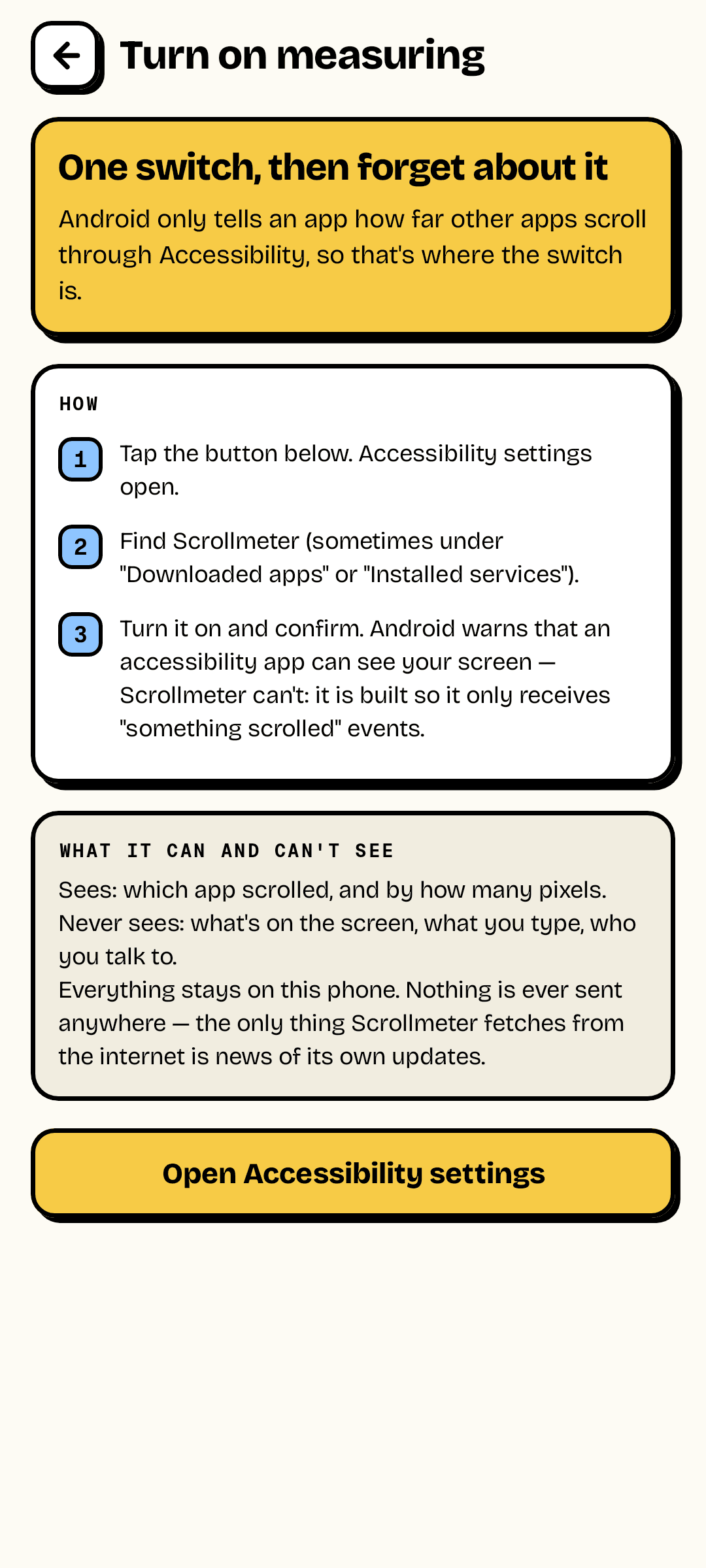
Android only tells an app how far other apps scroll through its Accessibility settings, which is why Scrollmeter asks for that switch. It is built to receive one kind of event — "a view scrolled", with the app's name and a distance — and has screen reading turned off. It sees no text, no images and nothing you type.
- Receives scroll events only; window content is switched off
- Everything stays on the phone
- One switch, explained step by step in the app
Share
The stat everybody wants to compare.
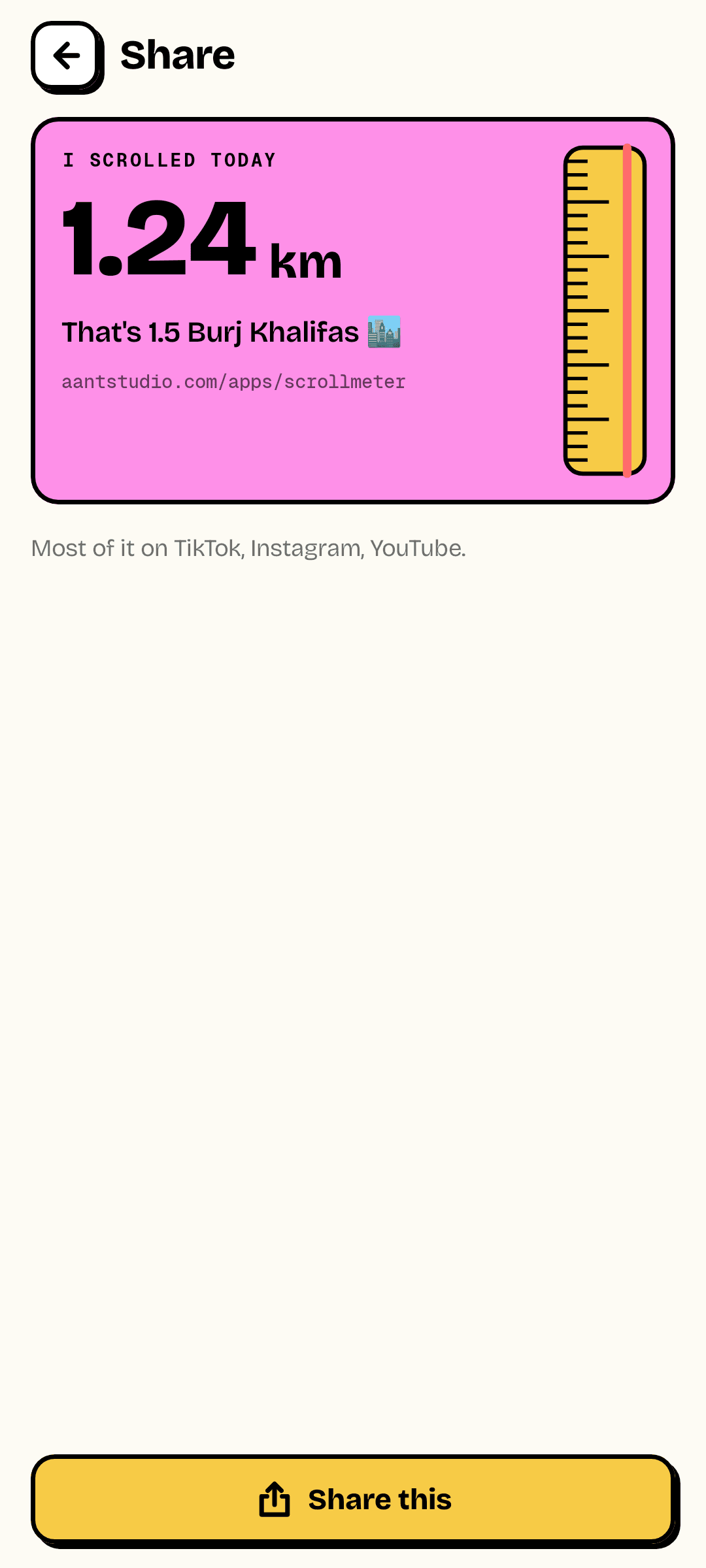
"I scrolled 1.24 km today" is the kind of number people post. Scrollmeter makes it a card, with the landmark and your distance, ready for a story or a group chat.
- A shareable card for today
- A one-a-day nudge when you pass your limit
- Your lifetime total, since the day you installed it
1
Event type it listens to
"a view scrolled"
0
Things it can read
screen content is switched off
1.3 MB
Download
no ads, no account
Ready to try Scrollmeter?
Free, straight from this page. No ads, no account, nothing to buy.
A look inside Scrollmeter.
Today, in metres
Share it
Scrolls only
Everything you need.
The rest of what Scrollmeter does.
Real distance
Pixels turned into metres for your exact screen.
Per app
Which feed took how far.
Landmarks
Football pitches, towers, mountains, marathons.
Daily limit
One nudge when you pass it.
Shareable
A card for today's distance.
Can't see your screen
Scroll events only, by design.
Common questions.
Everything you need to know about Scrollmeter.
How accurate is it?
For most feeds it is exact: Android 9 and later reports how many pixels a list moved, and Scrollmeter turns that into distance using your screen's real pixel density. Web pages and long text report their position instead, which works out the same. A few apps built with newer toolkits only report which item is on screen; there it counts a quarter of a screen per item, an estimate. A sudden jump to the top of a feed isn't counted as scrolling.
Why does it need accessibility access? Can it read my messages?
It can't. Accessibility is the only way Android lets an app learn that another app scrolled. Scrollmeter's service is declared to receive only "view scrolled" events, with the ability to read window content switched off — so it gets an app name and a distance, and never text, images or what you type. Android shows the same warning for every accessibility app, whatever it actually asks for.
Does it send my data anywhere?
No. Distances are stored on the phone and nowhere else. The download from this site goes online for one thing only — to check this site for a new version of Scrollmeter.
It stopped counting. Why?
Some phones switch accessibility services off after an update or to save battery. Open Scrollmeter: if counting is off it says so at the top and takes you straight to the switch.
Where do I get it?
Free, as a direct download on this page. Android will ask you to allow installs from your browser the first time. It is not on Google Play yet.
Get Scrollmeter today.
Free, straight from this page. No ads, no account, nothing to buy.
Version 1.0.0
Coming to Google Play soon.
Counting visitors…
Reviews & suggestions.
Used Scrollmeter? Rate it, and tell us what to add or fix — we read every one.
Loading reviews…
Be the first to rate Scrollmeter.