A cat that lives on your desktop.
Billu walks along your taskbar, leaps up onto the windows you have open and naps on their title bars. It watches your mouse pointer, wiggles, pounces — and sometimes carries it off. It brings you sticky notes, eats the treats you drop, chases a yarn ball you can throw, and purrs when you rub it with the mouse. Pick it up by the scruff and it dangles, deeply unimpressed.
Version 1.0.0 · Windows 10 & 11
— downloads so far
Moves in
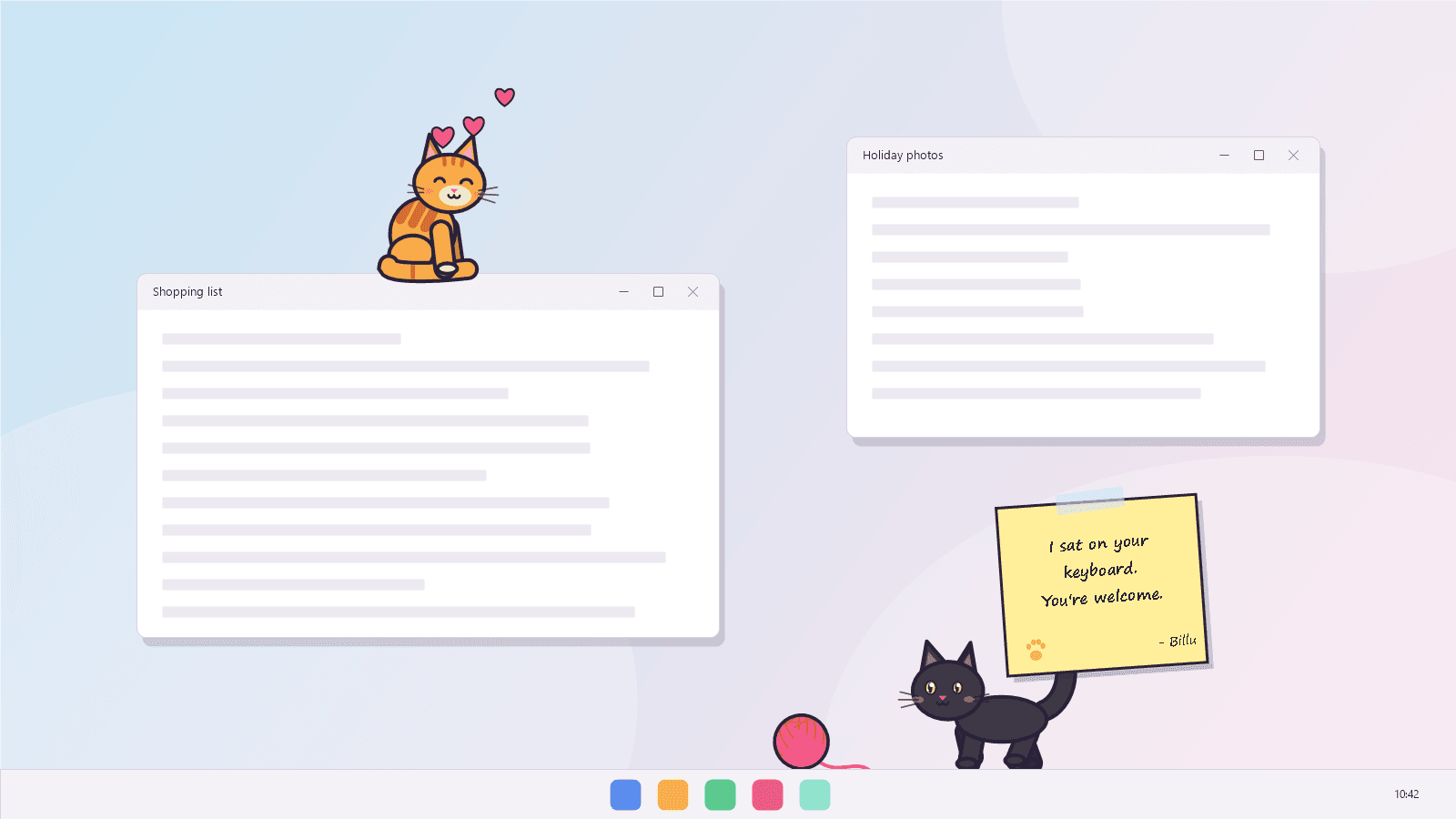
It walks on your taskbar and naps on your windows.
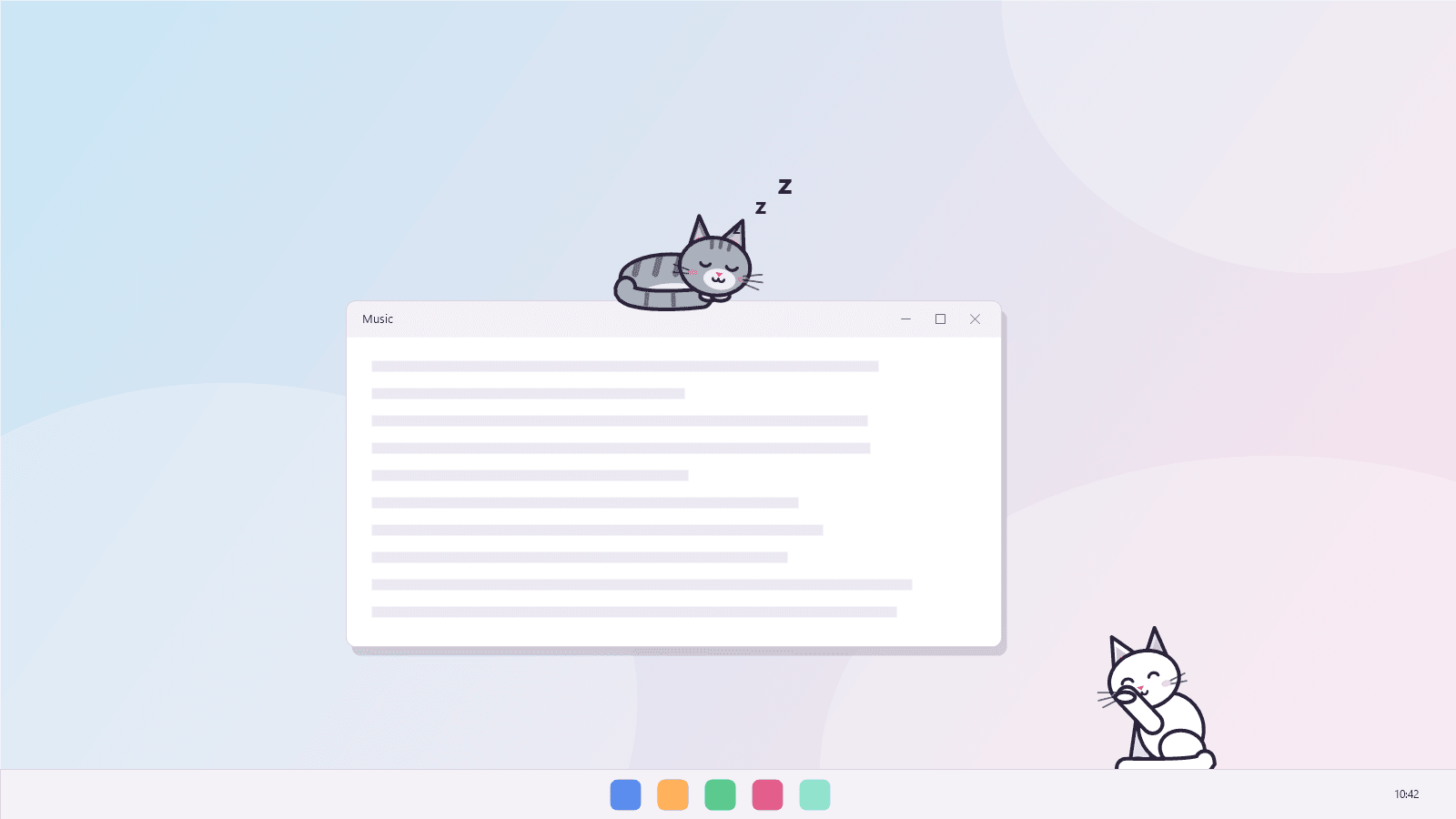
Billu drops in from the top of the screen and makes itself at home. It strolls along the taskbar, sits, grooms, stretches and curls up for a nap. Every so often it walks under one of your open windows, crouches and leaps up onto its title bar — and if you drag that window, Billu rides along. Close it, minimise it or cover it with another window and Billu tumbles back down.
- Walks, sits, grooms, stretches and sleeps
- Jumps up onto the windows you have open
- Rides along when you drag the window
- Falls off when the window closes or gets covered
Mischief
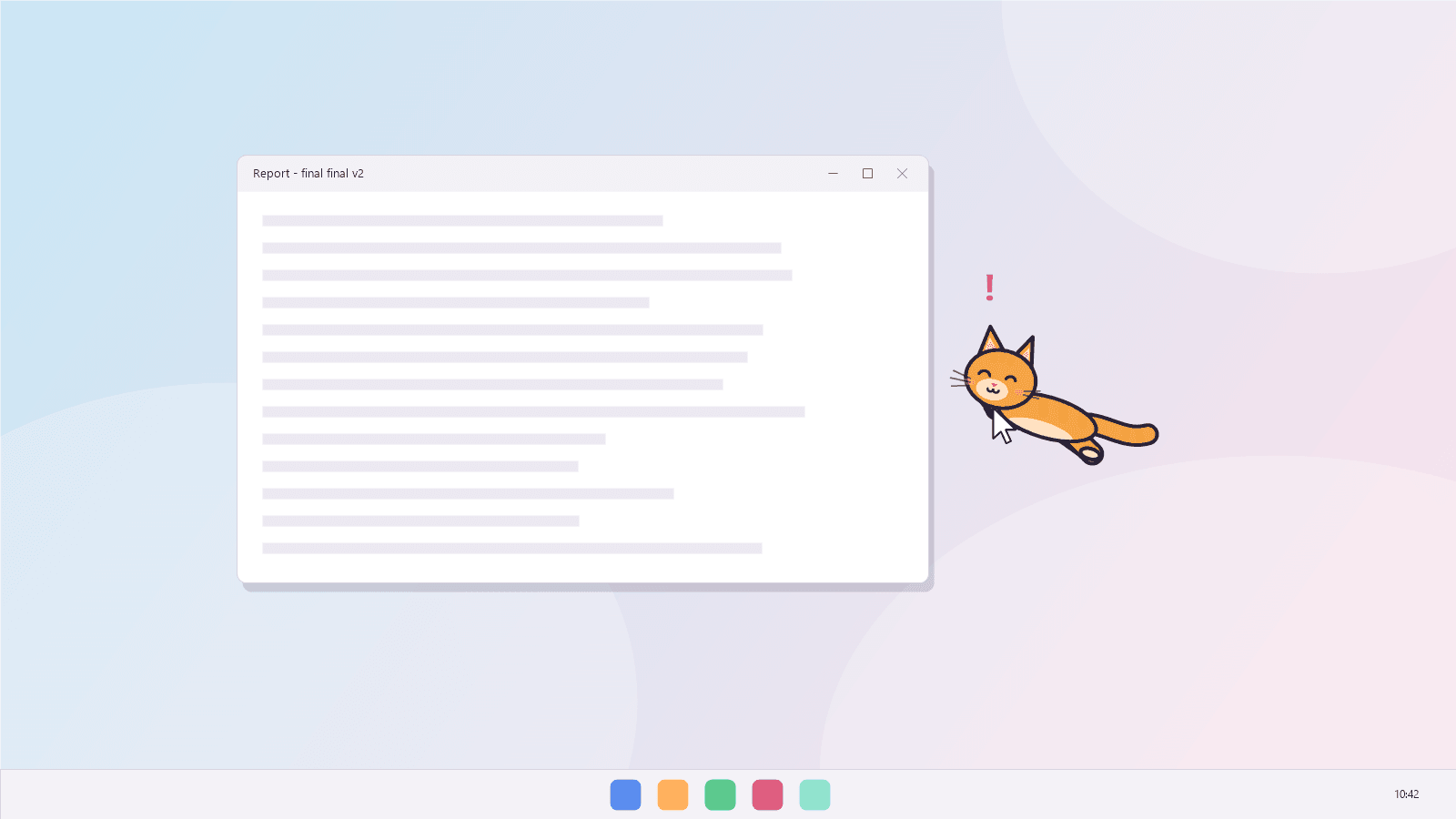
It steals your mouse pointer.
Leave the pointer still near Billu and its eyes lock on. It crouches, wiggles its back end and pounces — and in Playful or Chaos mode it sometimes catches the pointer in its mouth and walks off with it for a few seconds before letting go. Press any mouse button and it lets go at once.
- Its eyes follow your pointer around the screen
- Crouch, wiggle, pounce
- Carries the pointer off for a few seconds
- Press any mouse button and it lets go
Notes
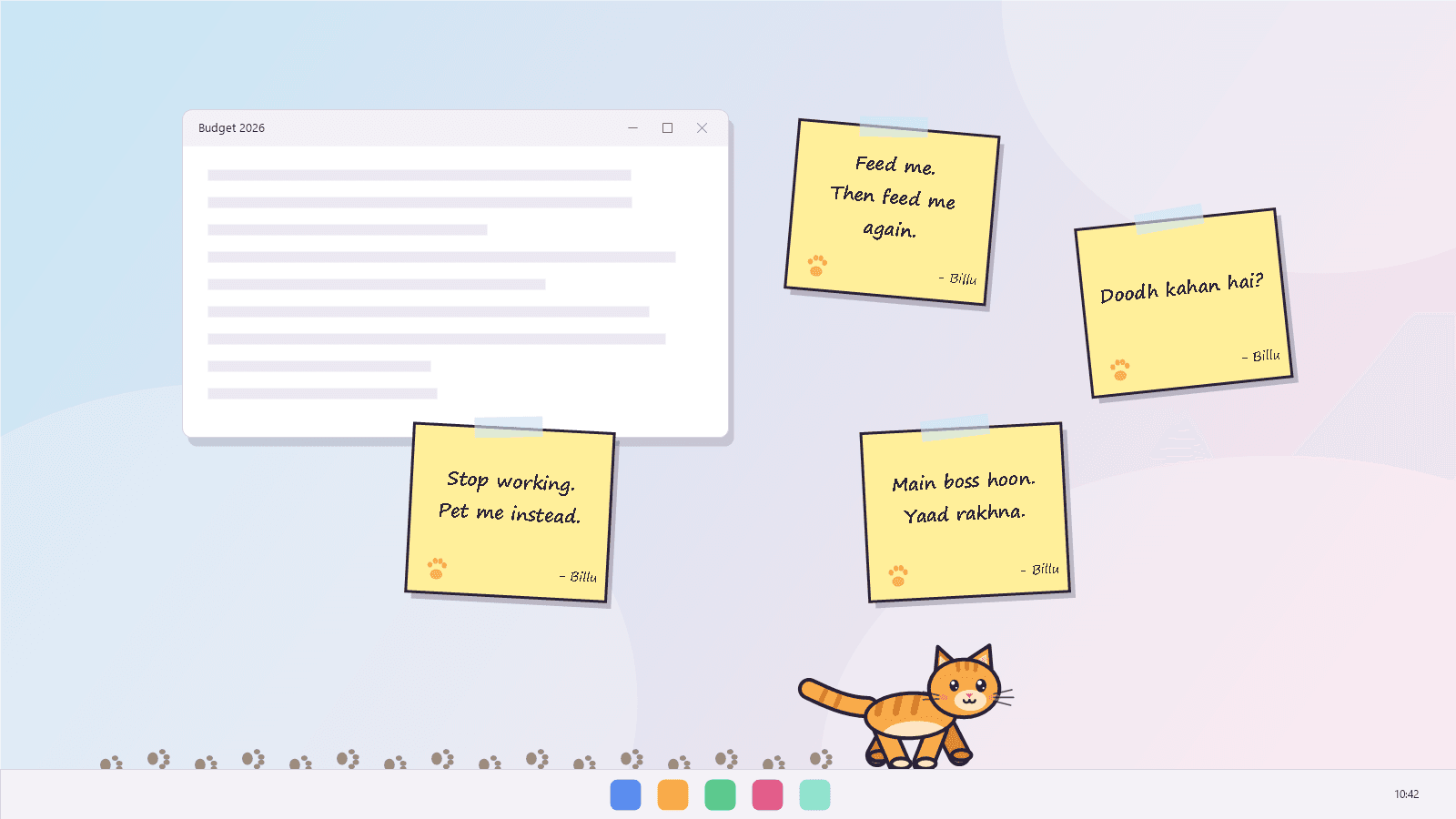
It brings you notes.
Now and then Billu trots off the edge of the screen and comes back with a sticky note in its mouth, then flicks it up onto your screen. “Feed me. Then feed me again.” “I sat on your keyboard. You’re welcome.” Switch on Desi notes and some arrive in Roman Urdu: “Doodh kahan hai?” Click a note and it crumples away.
- Sixteen English notes and a dozen in Roman Urdu
- Up to five on screen at once
- Click one to crumple it
- Chaos mode brings them every few minutes
Play
Treats, a yarn ball and a lot of purring.
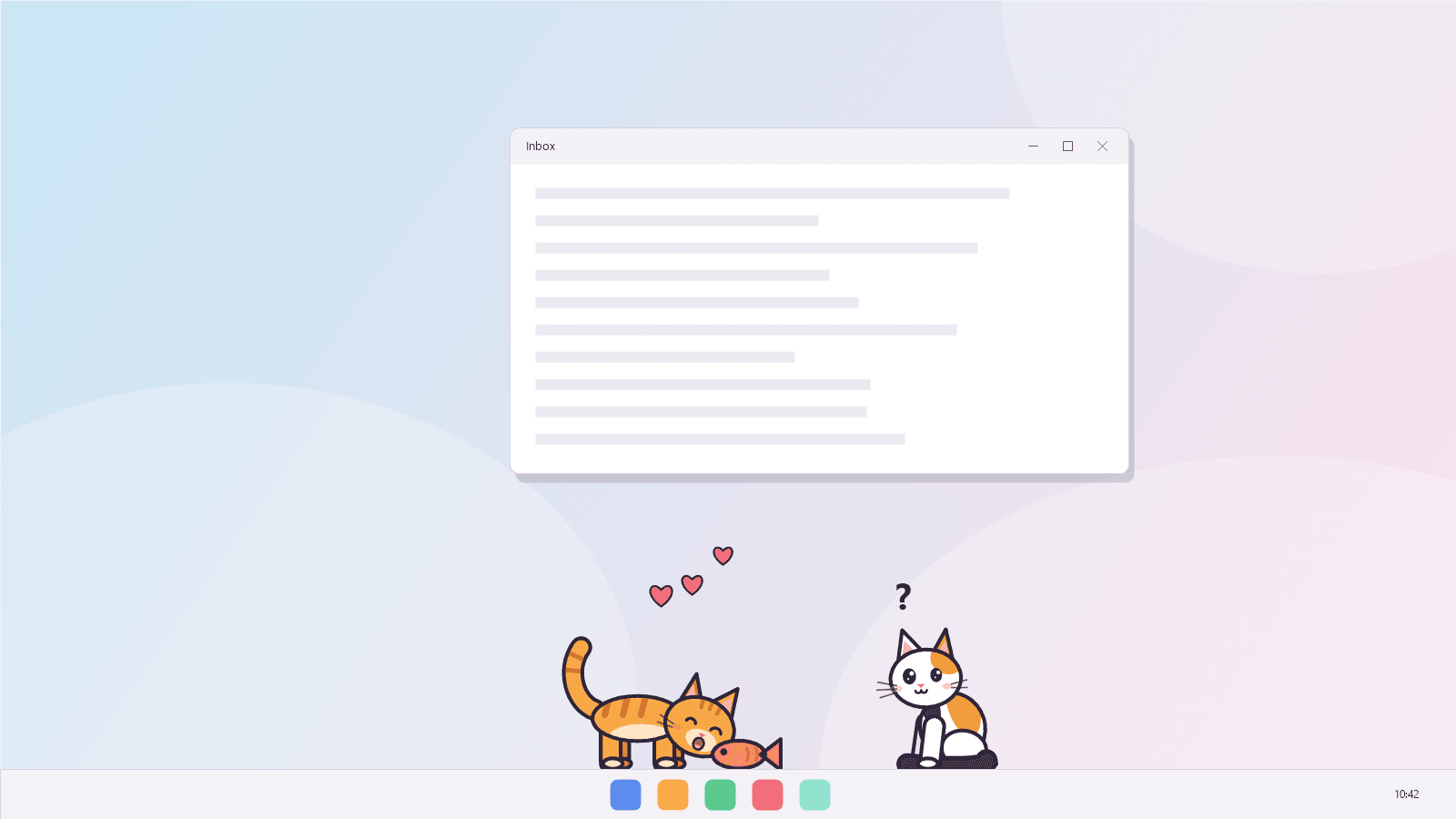
Give a treat and a fish drops from the top of the screen; Billu runs over, eats it and purrs. Bring out the yarn ball and throw it with the mouse — Billu chases it across the screen, bats it around, and leaps for it if you dangle it overhead. Rub the mouse back and forth over the cat and it purrs, hearts and all. Pick it up by the scruff and it dangles until you let go, then grooms itself as if nothing happened.
- Treats: Billu runs over and eats them
- A yarn ball you can throw and dangle
- Rub with the mouse to make it purr
- Pick it up, swing it, drop it
Your cat
Five coats, up to three cats.
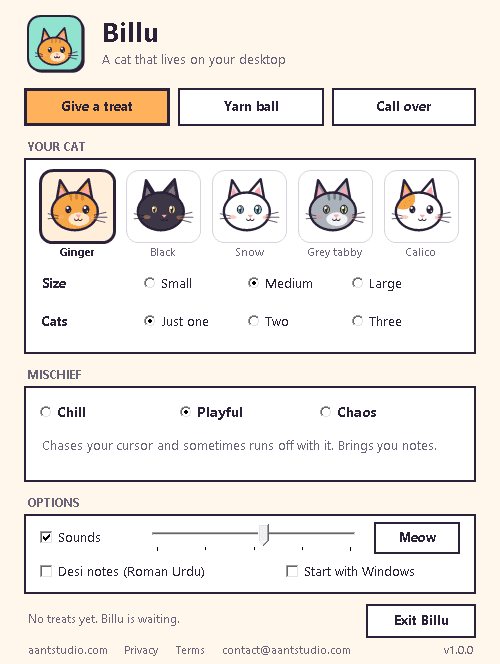
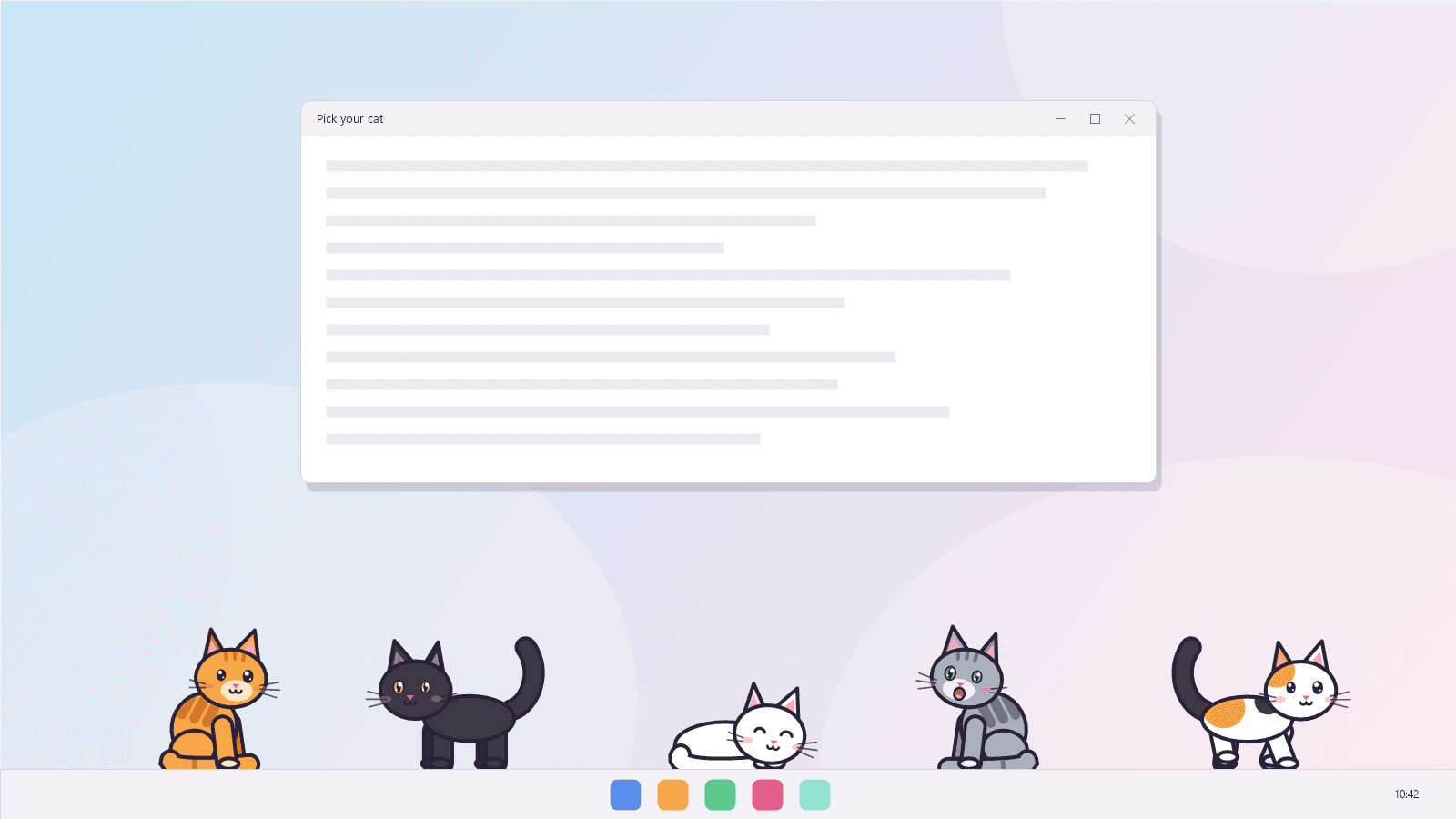
Choose ginger, black, snow white, grey tabby or calico, a size that suits your screen, and one, two or three cats. Then pick how naughty they are: Chill cats nap, wander and sit on windows and never touch your pointer; Playful cats chase it and bring notes; Chaos cats steal the pointer all the time, get the zoomies with muddy paws and cover your screen in notes.
- Ginger, black, snow, grey tabby and calico
- Small, medium or large
- Chill, Playful or Chaos
- Hides during full-screen games, videos and presentations
5
Coats
ginger to calico
3
Cats at once
if you dare
<1%
Of one CPU core
measured, one cat
Ready to try Billu?
Free. No ads, no account. Updates itself.
A look inside Billu.
Moves in
Steals your cursor
Notes everywhere
Treat time
Nap on a window
Five coats
Settings
Everything you need.
The rest of what Billu does.
Steals your cursor
Watches your pointer, pounces, and sometimes carries it off.
Naps on your windows
Leaps onto title bars and rides along when you drag them.
Brings you notes
Sticky notes in English or Roman Urdu, flicked onto your screen.
Treats and yarn
Drop a fish, throw the yarn ball, rub it with the mouse to make it purr.
Stays out of the way
Never takes your keyboard, and hides during full-screen games and videos.
Always the latest
New versions install themselves.
Common questions.
Everything you need to know about Billu.
Is Billu free?
Yes. No advertising, no account, no in-app purchases and no analytics. It goes online only to check this site for a new version.
Will it get in the way of my work?
Billu never takes the keyboard, so typing carries on in whatever you were using, and clicks pass straight through everything except the cat, its notes and the yarn ball. It hides during full-screen games, videos and presentations, and while the PC is locked. In Chill mode it never touches your pointer, and “Hide for an hour” in its menu sends it away for a while.
How do I get my mouse pointer back?
Press any mouse button and Billu lets go at once. It only ever holds it for a few seconds anyway. If it happens more often than you like, set Mischief to Chill.
Where are the treats and the settings?
Right-click the cat, or the cat icon next to the clock, for Give a treat, the yarn ball, Call the cat over, Nap time, Hide for an hour and Settings.
Does it slow my PC down?
Hardly. On our test PC one cat used about 0.4% of one processor core and three cats about 1.2%, with around 50 MB of memory.
Does it make sounds?
It meows when you click it, purrs when you pet or feed it, and trills when it is pleased with itself. Every sound is made by the program itself; turn them down or off in Settings.
Does Billu look at what is on my screen?
No. To know where it can stand, it asks Windows where your windows are and how big they are. It never reads what is inside them, and nothing is saved or sent anywhere.
Windows showed a blue “Windows protected your PC” screen. Is it safe?
That is SmartScreen, which Windows shows for new software from a small publisher it has not seen many downloads of yet. Click More info, then Run anyway. The installer is checked by dozens of antivirus engines on VirusTotal, and the result is shown on this page. It installs for your Windows account only and needs no admin rights.

Get Billu today.
Free. No ads, no account. Updates itself.
Version 1.0.0 · Windows 10 & 11
Counting visitors…
Reviews & suggestions.
Used Billu? Rate it, and tell us what to add or fix — we read every one.
Loading reviews…
Be the first to rate Billu.