Plug in your laptop, watch it charge.
Phones have had charging animations for years. Now your laptop does too. Plug in the charger and Bijli fills your screen for four seconds with your battery level: rising liquid, a neon ring, a crackling bolt or a glowing battery. It never takes a click or a key press, so whatever you were doing carries on underneath. It also reminds you to unplug at 80%, so the battery wears more slowly, and warns you at 20%.
Version 1.0.0 · Windows 10 & 11
— downloads so far
Plug in
Your laptop, charging like a phone.
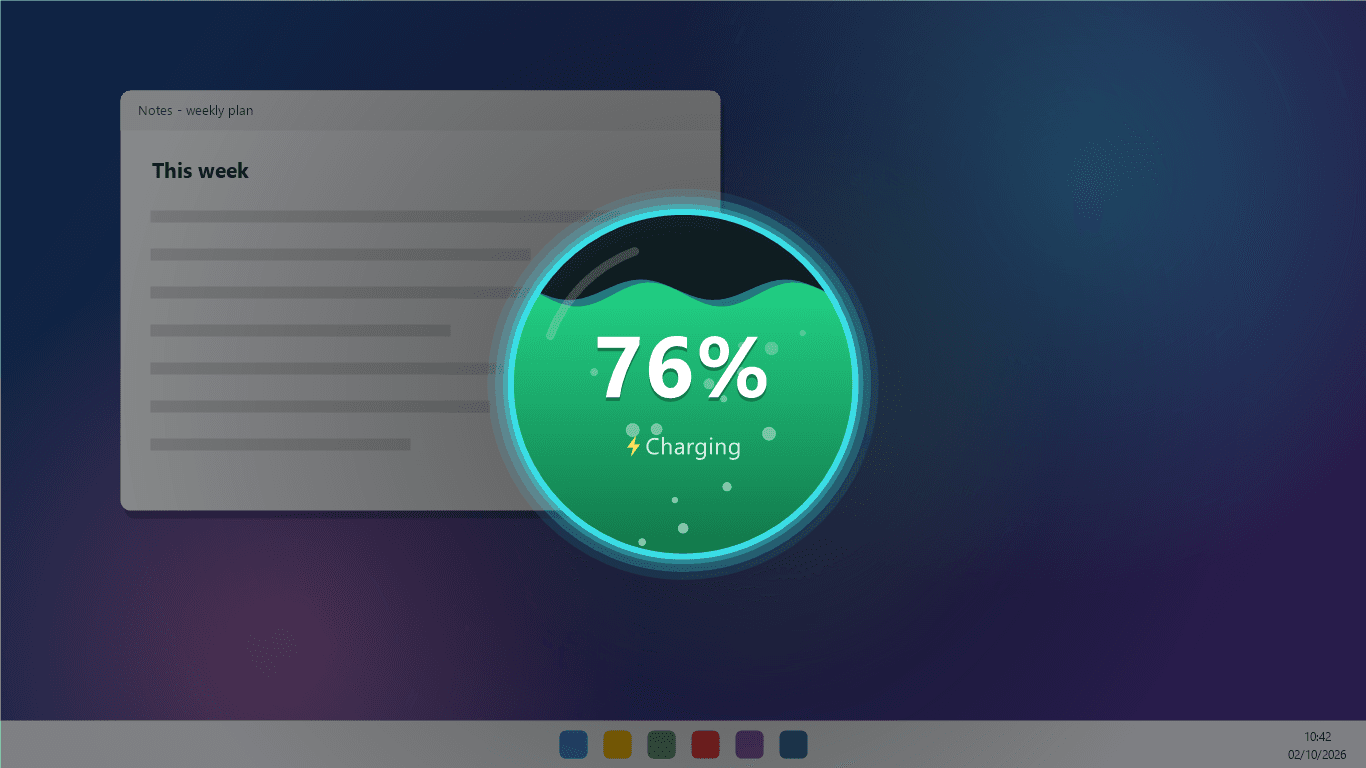
The moment the charger goes in, the screen dims and your battery level fills up in front of you, counting up to where it really is, with a soft chime. Four seconds later it fades away by itself. It never takes a click or a key press, so you can carry on typing straight through it.
- Plays the moment you plug in
- Shows your real battery level
- Green when healthy, amber and red when low
- Fades out by itself after four seconds
Pick a style
Liquid, neon ring, bolt or battery.
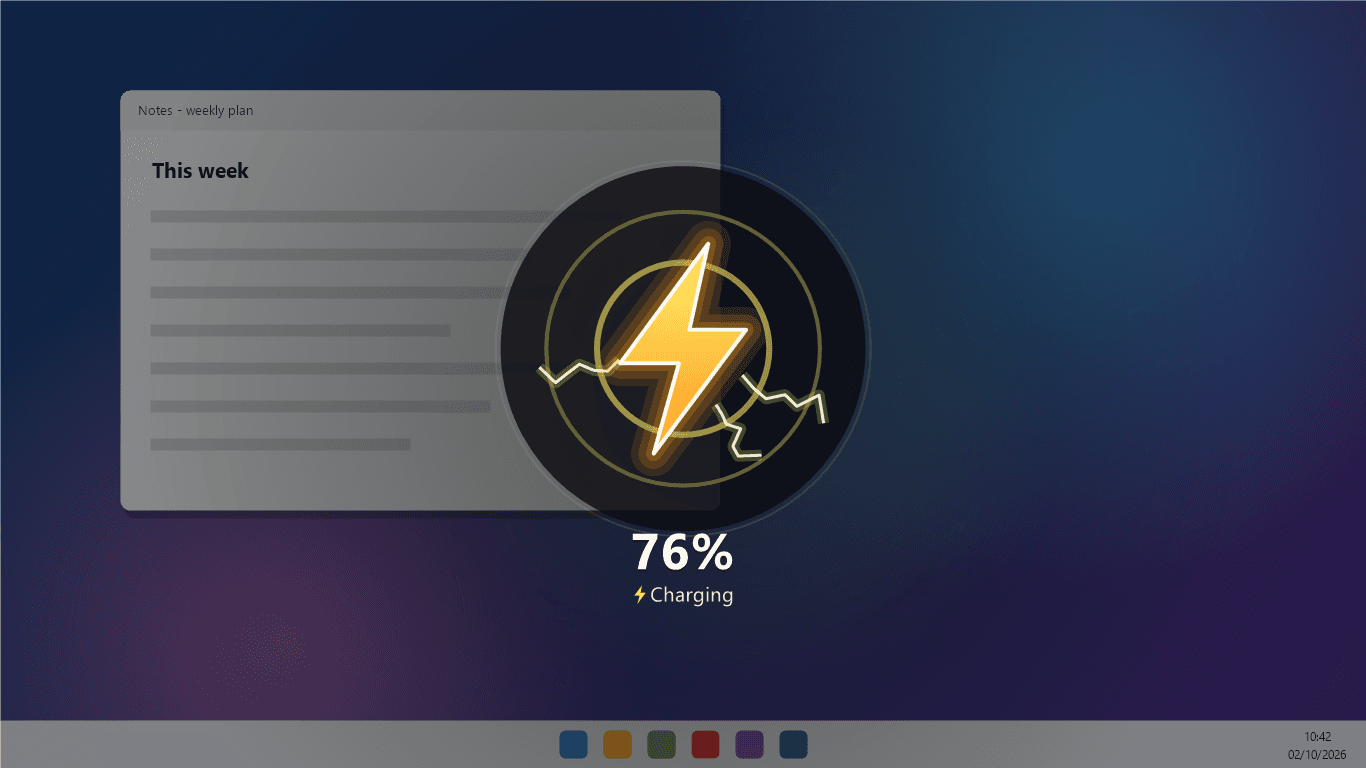
Choose the one you like, or let Bijli surprise you with a different one every time you plug in. Each one is drawn live, with bubbles, sparks and glow, smoothly enough to watch twice.
- Four styles, or a different one each time
- Smooth, up to 60 frames a second
- Optional chime when you plug in
- Stays out of full-screen games and videos
Battery care
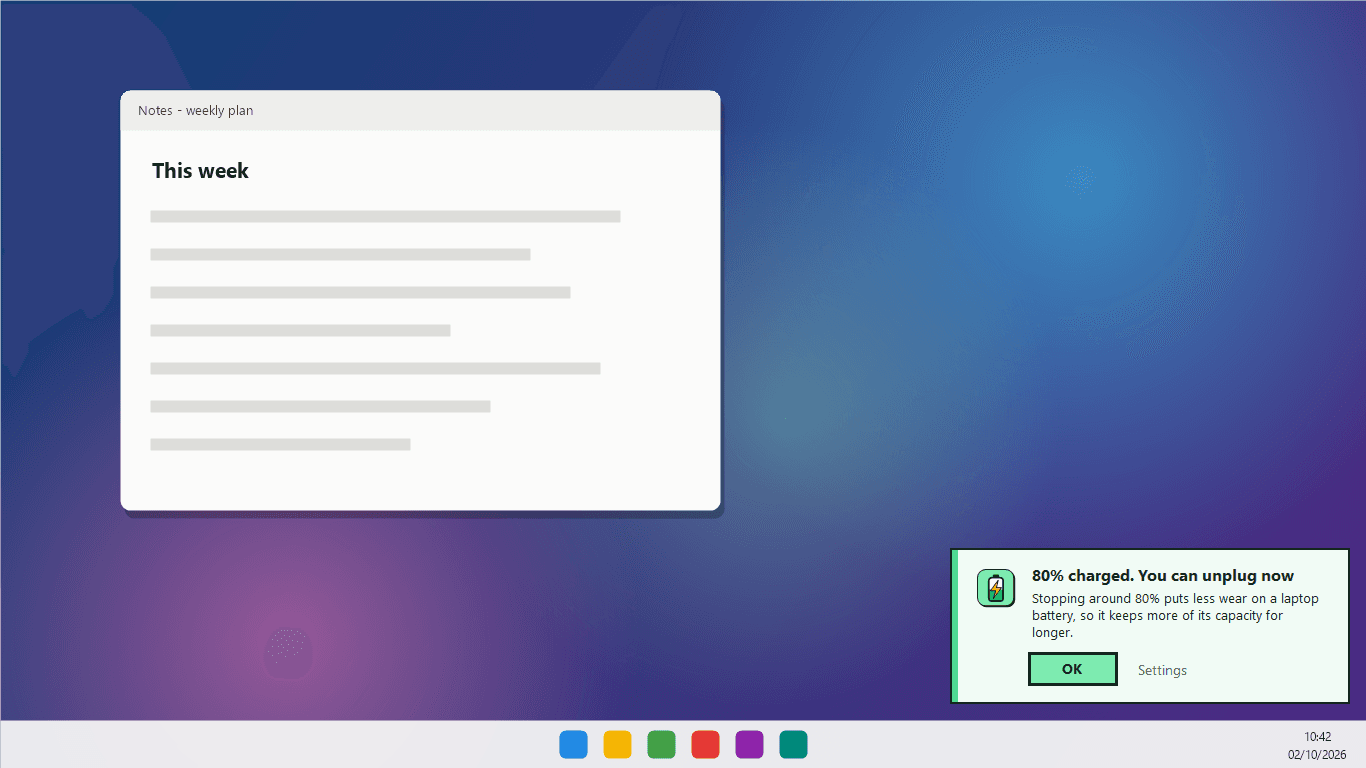
Unplug at 80%. Plug in before 20%.
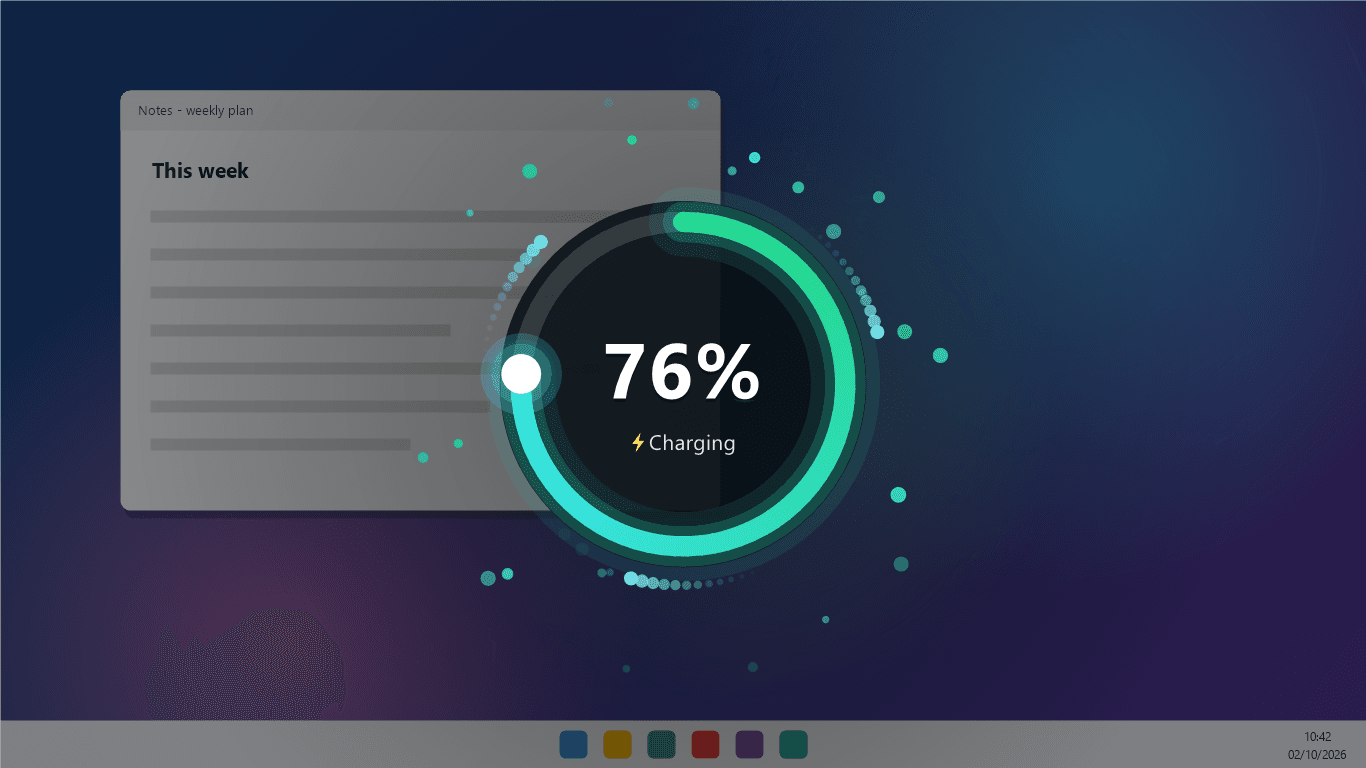
A laptop battery wears fastest when it sits at full charge or runs nearly flat. Bijli quietly tells you when you reach 80% so you can unplug, and warns you before it runs low. The reminder sits in the corner and never takes your typing. Pick the levels you want, or turn either one off.
- Unplug reminder at 80, 85, 90 or 100%
- Low battery warning at 10 to 30%
- A note with the time left when you unplug
- Battery health, when your laptop reports it
4
Animation styles
or a surprise each time
4 s
On screen
then it fades away
1.8 MB
Download
the whole app
Ready to try Bijli?
Free. No ads, no account. Made for laptops. Updates itself.
A look inside Bijli.
Liquid
Neon ring
Bolt
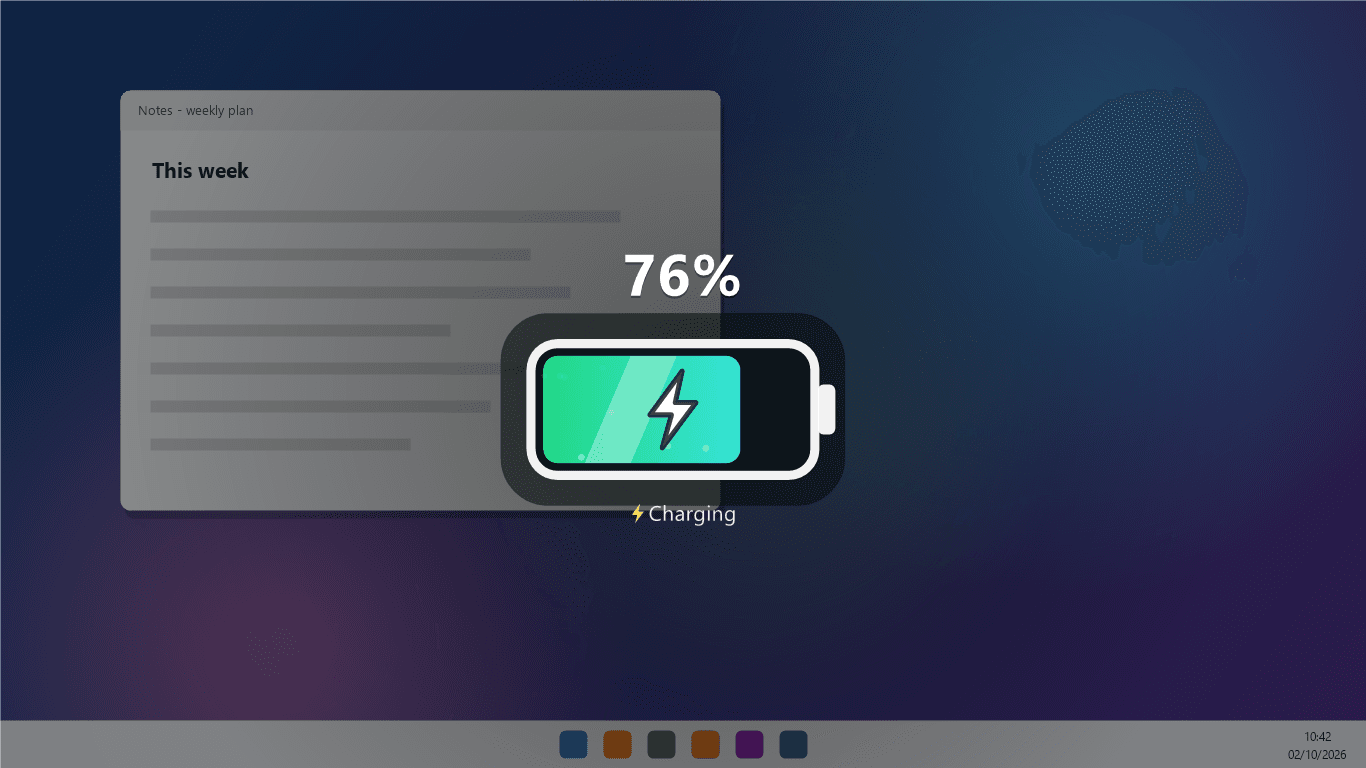
Battery
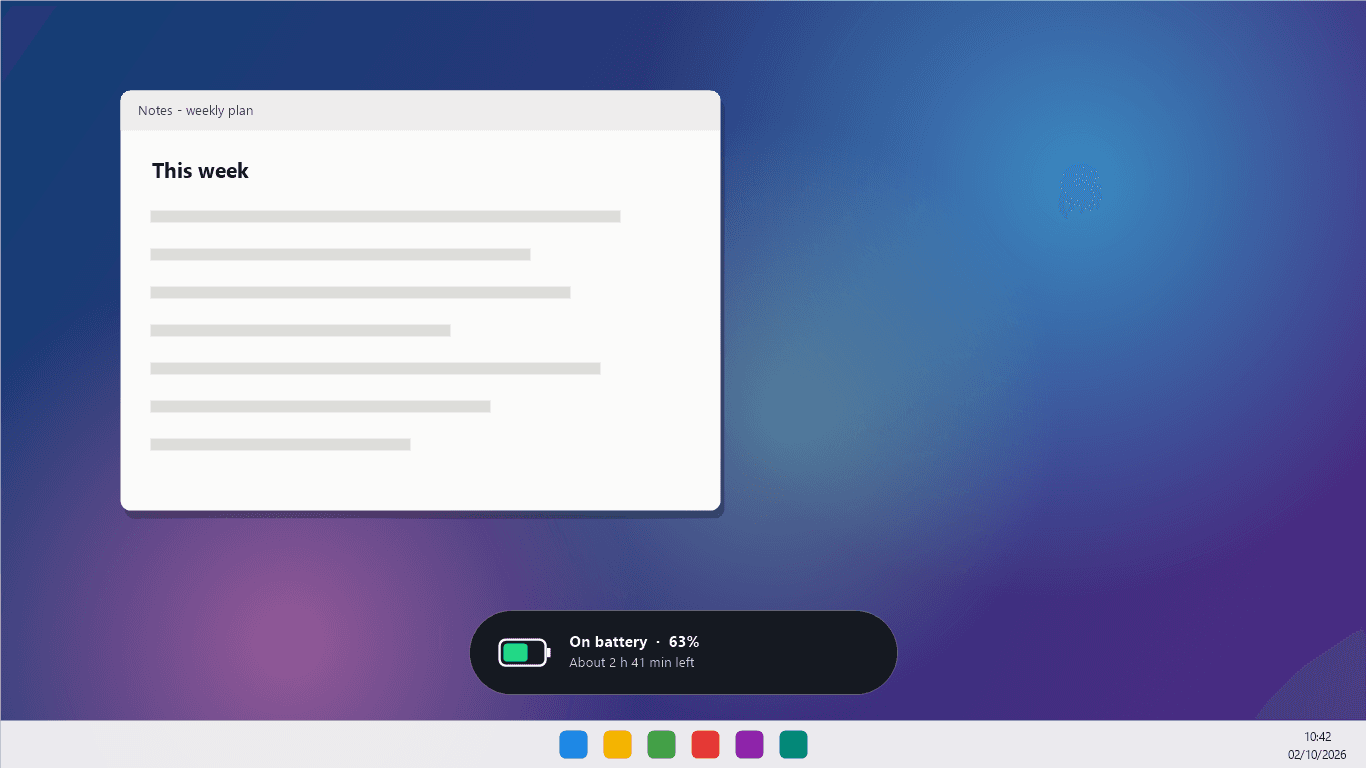
Unplugged
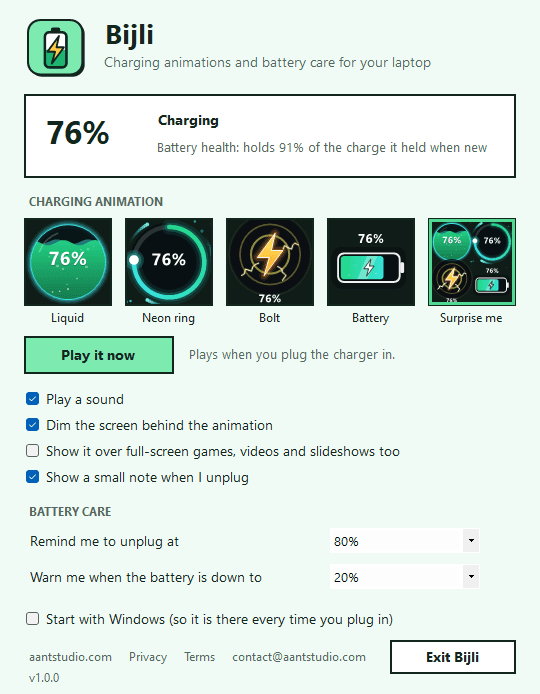
Settings
Everything you need.
The rest of what Bijli does.
Charging animation
Plays the moment you plug the charger in.
Four styles
Liquid, neon ring, bolt, battery, or a surprise.
80% reminder
Unplug in time and the battery wears more slowly.
Low battery alert
A warning before your laptop runs out.
Never in the way
No clicks taken, and nothing over full-screen games.
Always the latest
New versions install themselves.
Common questions.
Everything you need to know about Bijli.
Is Bijli free?
Yes. No advertising, no account, no in-app purchases and no analytics. It goes online only to check this site for a new version.
Does it work on a desktop PC?
Bijli is made for laptops. A desktop PC has no battery and no charger to plug in, so the animations never play by themselves there, but you can still play them from the Settings window to see what they look like.
Will it get in the way while I work?
No. The animation lasts four seconds and lets every click and key press through to whatever is underneath. By default it also stays away while a full-screen game, video or slideshow is in front.
Does it use much battery itself?
No. Between charges Bijli only asks Windows for the battery level twice a second. In our test, a minute of that used too little processor time to measure. The animation itself runs for four seconds.
Why unplug at 80%?
Laptop batteries wear faster when they sit at 100% for long periods. Unplugging around 80% when you can is a common way to make one last longer. Some laptops can also cap charging in their own settings, and if yours does, use that. You can set Bijli's reminder to 80, 85, 90 or 100%, or turn it off.
Where does the battery health number come from?
From Windows: Bijli compares how much charge your battery can hold now with what it was built to hold. Some laptops do not report this, and then Bijli says so instead of guessing.
Windows showed a blue “Windows protected your PC” screen. Is it safe?
That is SmartScreen, which Windows shows for new software from a small publisher it has not seen many downloads of yet. Click More info, then Run anyway. The installer is checked by dozens of antivirus engines on VirusTotal, and the result is shown on this page. It installs for your Windows account only and needs no admin rights.
Get Bijli today.
Free. No ads, no account. Made for laptops. Updates itself.
Version 1.0.0 · Windows 10 & 11
Counting visitors…
Reviews & suggestions.
Used Bijli? Rate it, and tell us what to add or fix — we read every one.
Loading reviews…
Be the first to rate Bijli.