Every key a sound, every press a smile.
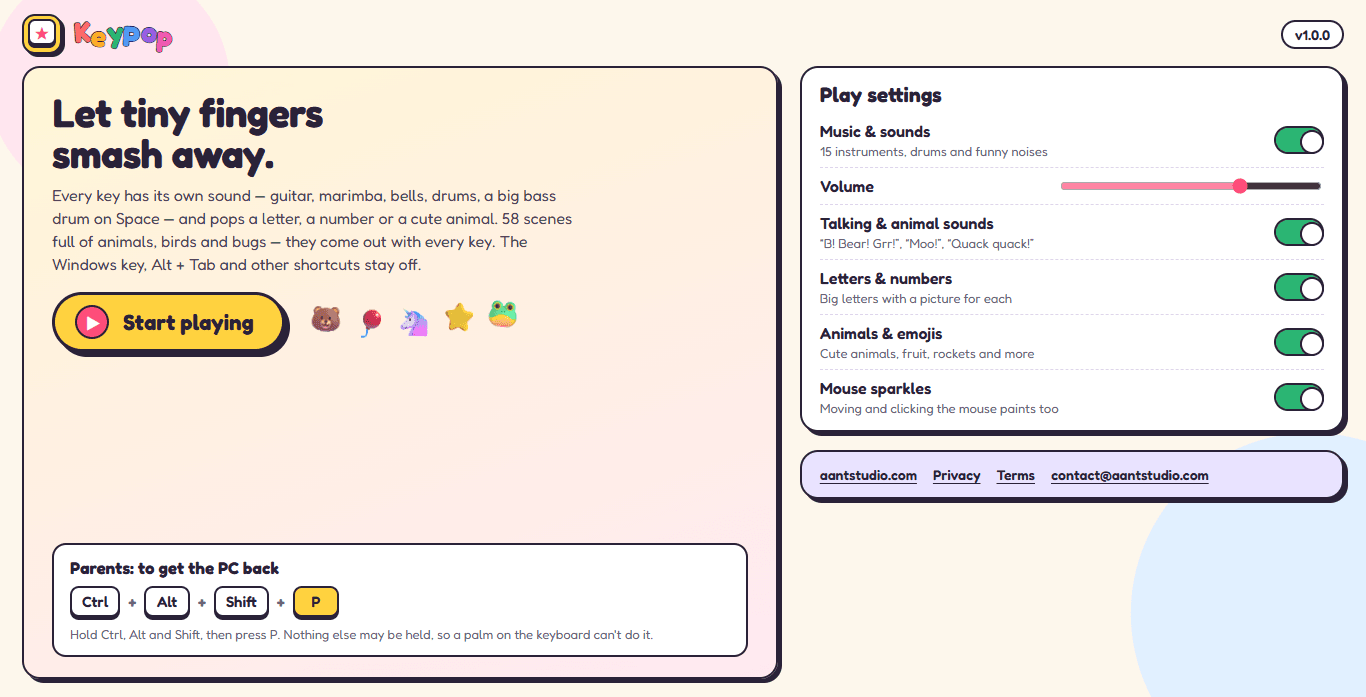
KeyPop turns your PC into a baby's toy. Each key plays its own sound — guitar, marimba, bells, drums, a big bass drum on Space — and pops a letter, a number or an animal from one of 58 bright scenes. Every minute a troupe of animals in kurtas and pagris dances on with a dhol for a crazy bhangra. While your little one plays, the Windows key, Alt + Tab and other shortcuts are switched off, so your files and settings stay safe. Ctrl + Alt + Shift + P gives the PC back.
Version 1.1.0 · Windows 10 & 11
— downloads so far
Smash
Letters, numbers and animals.
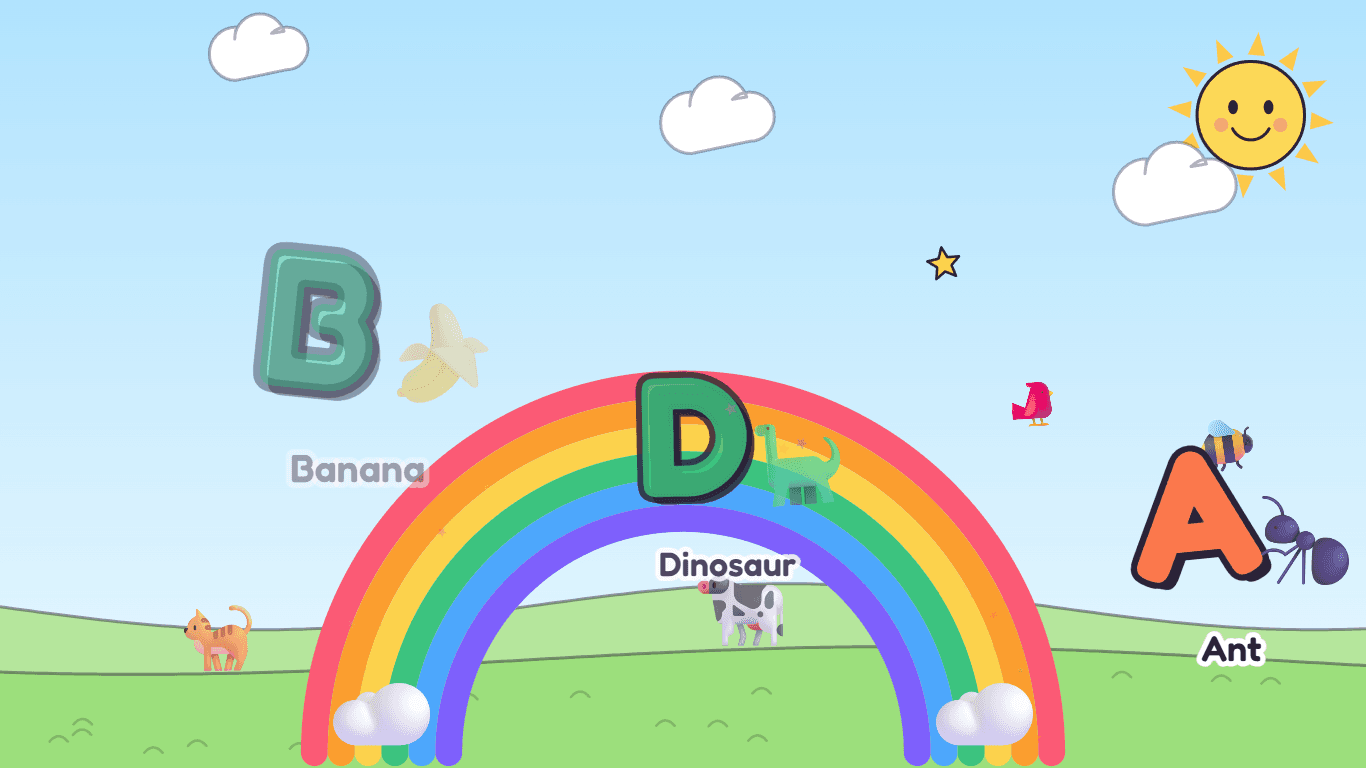
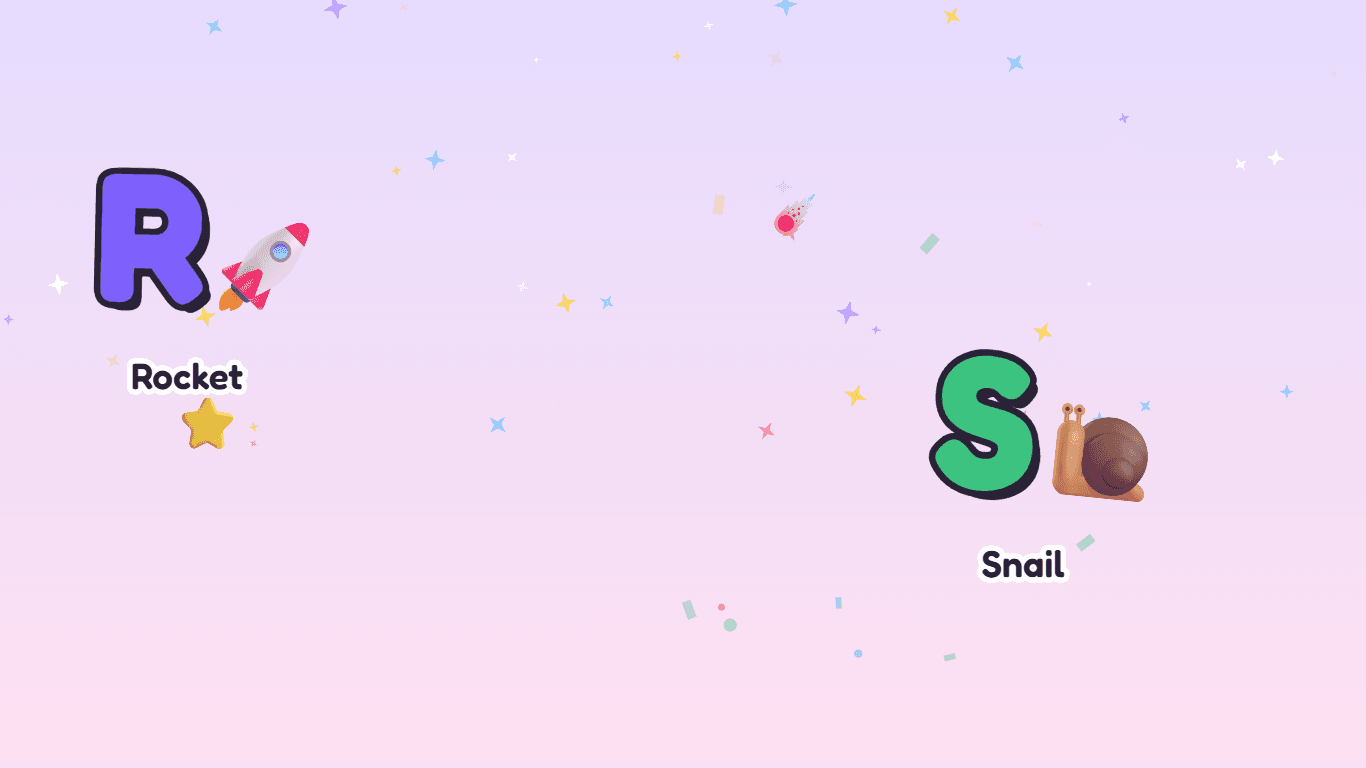
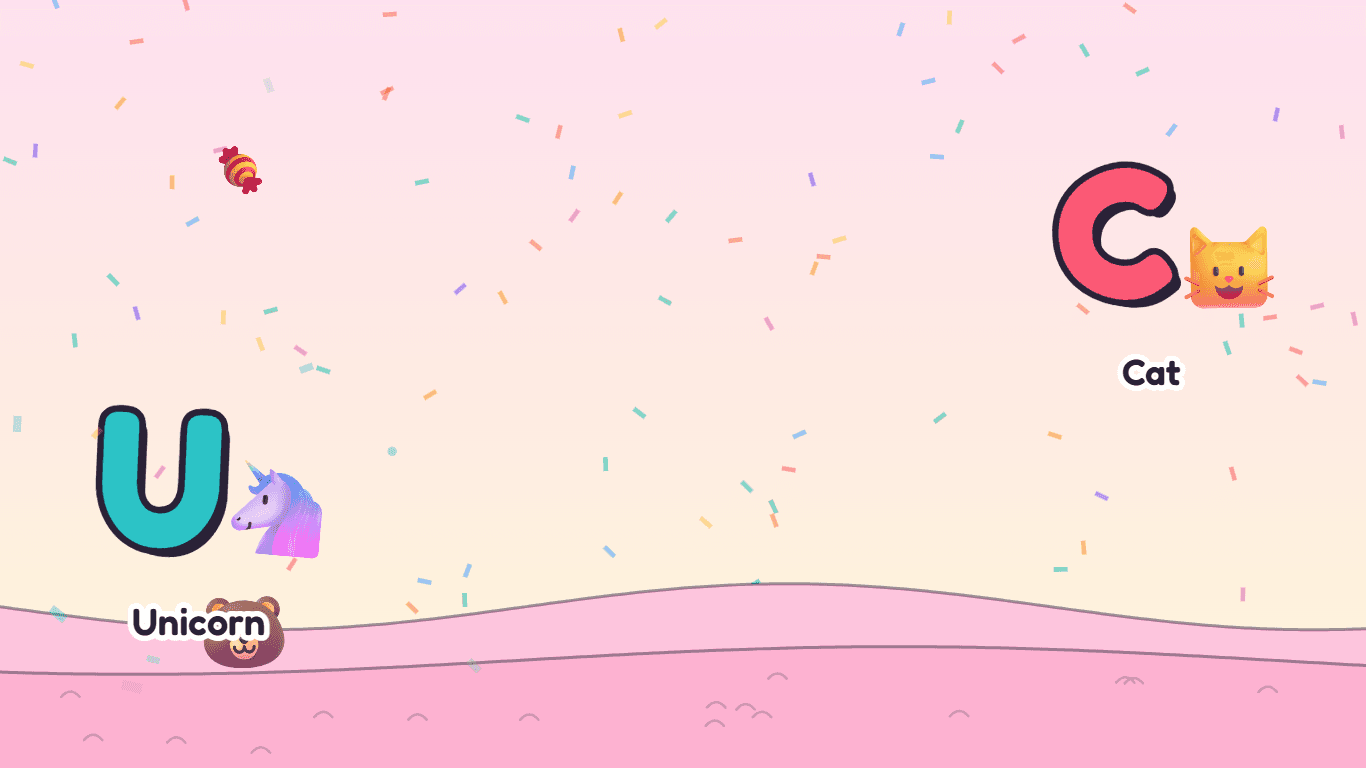
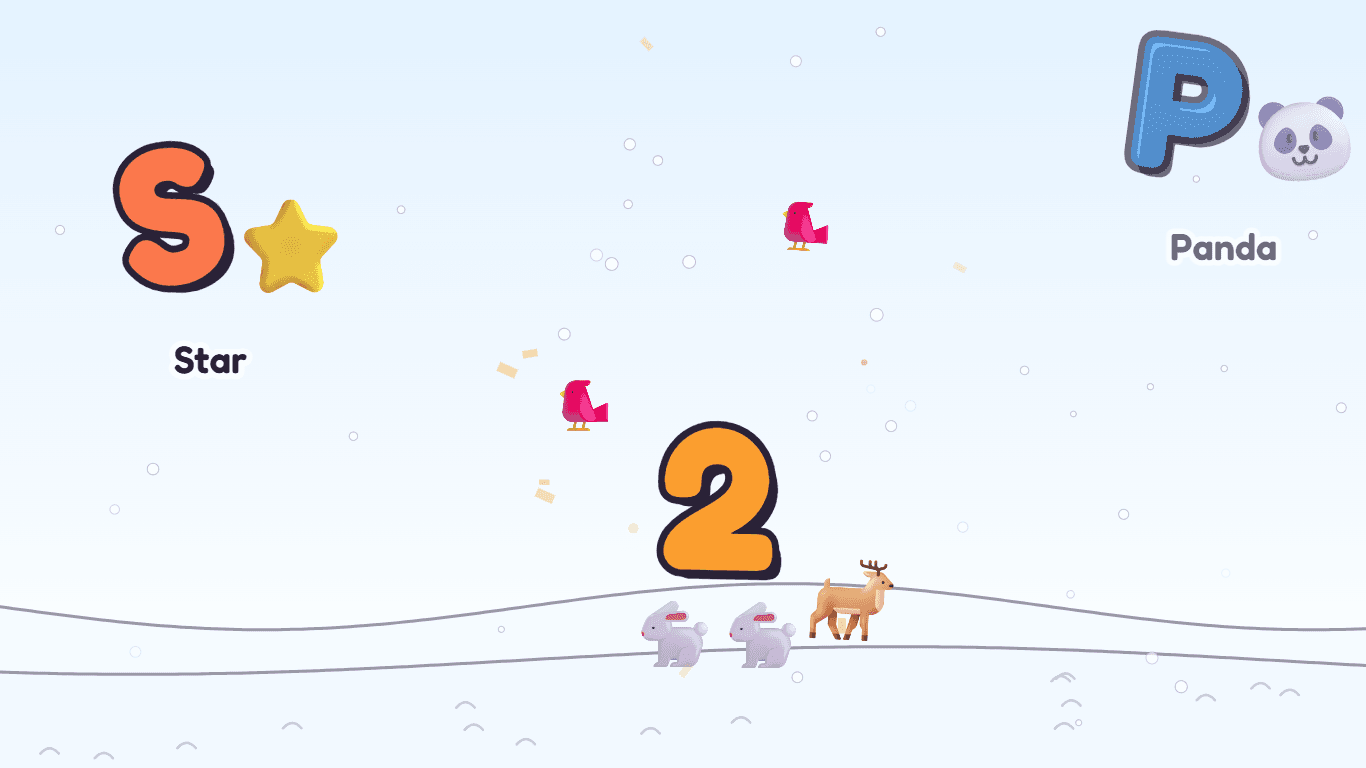
Every press puts something big and bright on the screen. A letter comes with a picture and a word — B for Bear, D for Duck — and a friendly voice says it out loud, animal noise included. A number brings that many animals with it. Everything fades away again in a couple of seconds, so the screen never gets crowded however fast the smashing goes.
- Big letters with a picture and a word for each
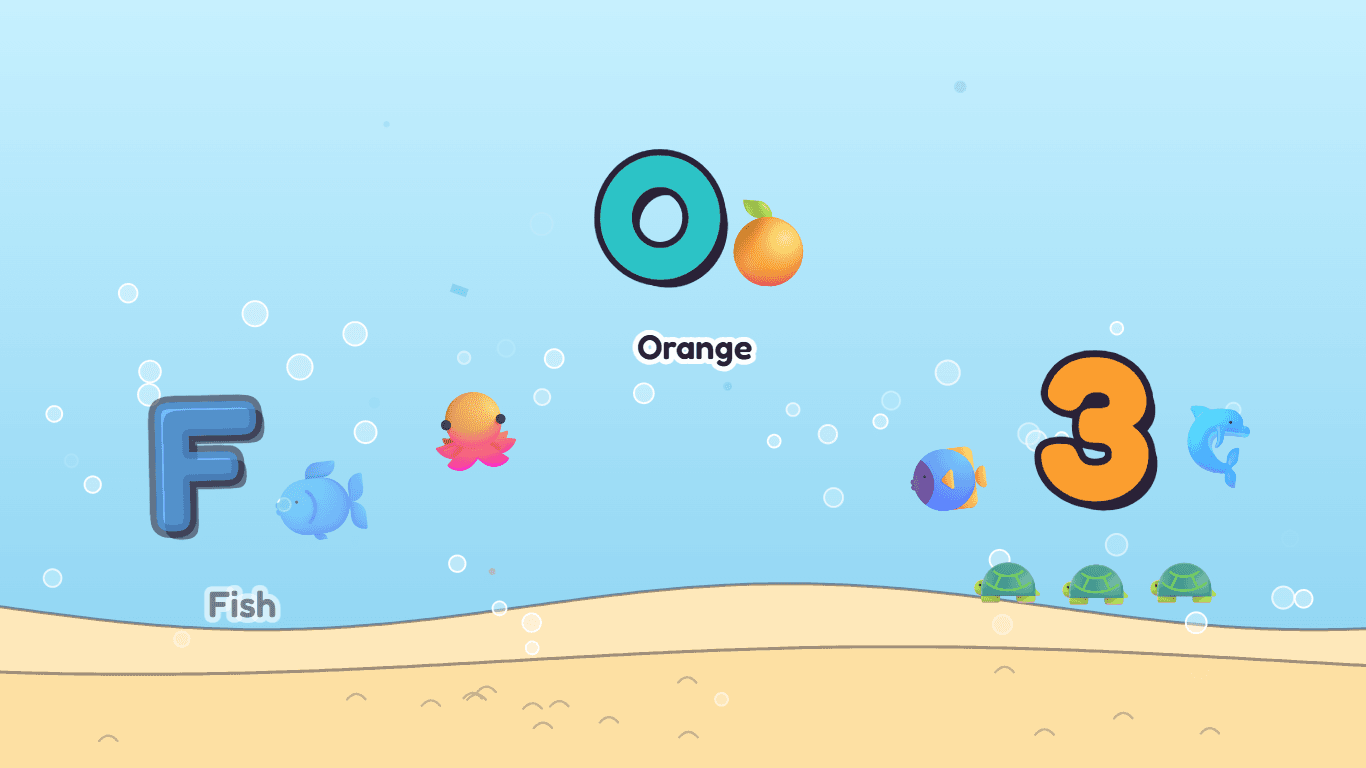
- Numbers come with that many animals: 3 means three turtles
- A voice says the letter, the word and the animal's sound
- Space paints a rainbow, Enter sets off fireworks
Sounds
Every key has its own sound.
The letter rows play fifteen cute instruments — guitar, ukulele, harp, toy piano, glockenspiel, marimba, xylophone, kalimba, steel drum, music box, ocarina and more — each key a different note, rising across the keyboard, all from one happy scale, so even the wildest smashing sounds like music. The numpad is a whole drum kit and Space is a big bass drum.
- 15 instruments, mixed differently in every scene
- Numpad drum kit; Space is a big bass drum, Ctrl a deep one
- F-keys: boing, pop, laser, bike bell, cuckoo, giggles
- A frog, a bird, a gong and more hidden on the other keys
Scenes
58 places to play.
The farm, a duck pond, a bug meadow, the bottom of the sea, the jungle, outer space, a snow day, candy land and fifty more. Each has its own sky, ground and weather — drifting clouds, falling snow, rising bubbles — and its own animals, birds and bugs, which come out to walk, swim and fly with every key press. Every 25 keys the next scene circles in.
- 58 scenes, each with its own animals and weather
- Animals come out with every press and hop along to every key
- Click an animal with the mouse and it jumps and says its sound
- No words to read anywhere: made for little ones
Dance party
Every minute, a bhangra.
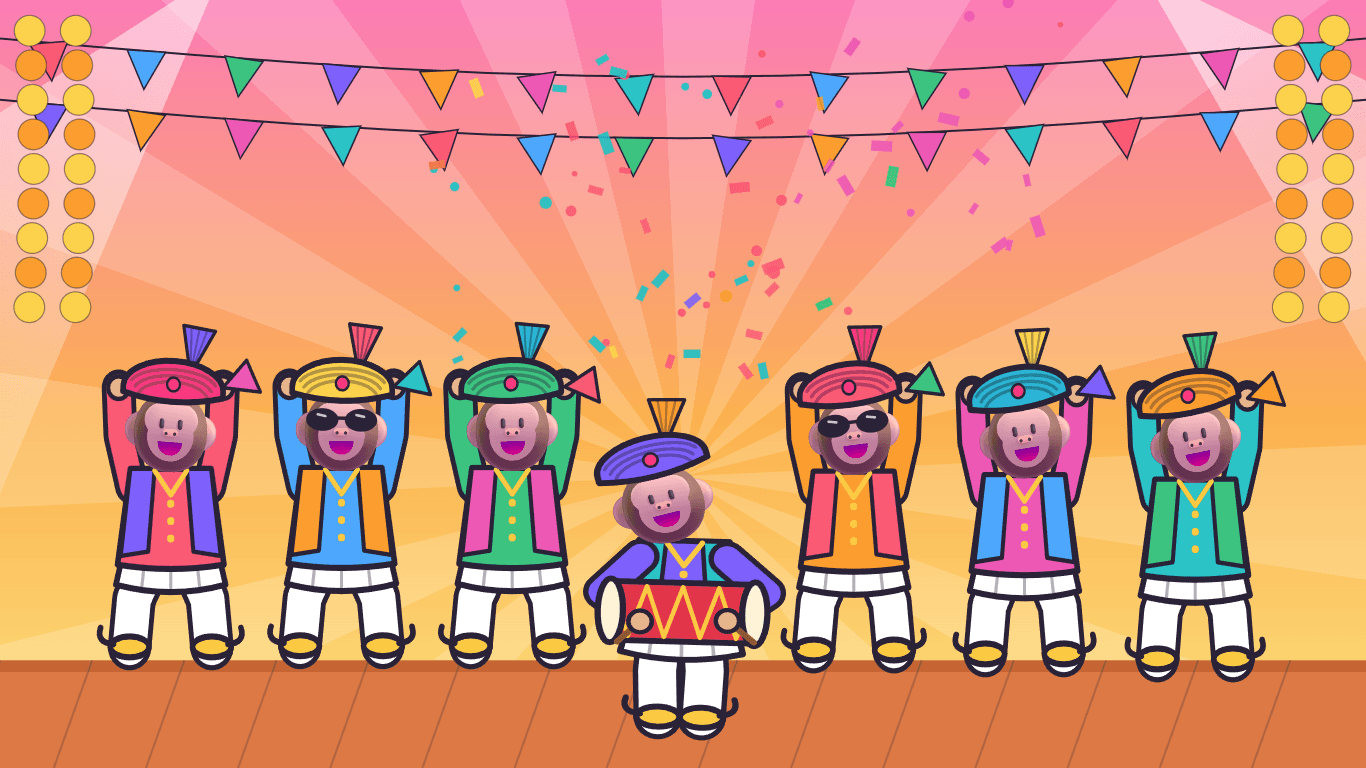
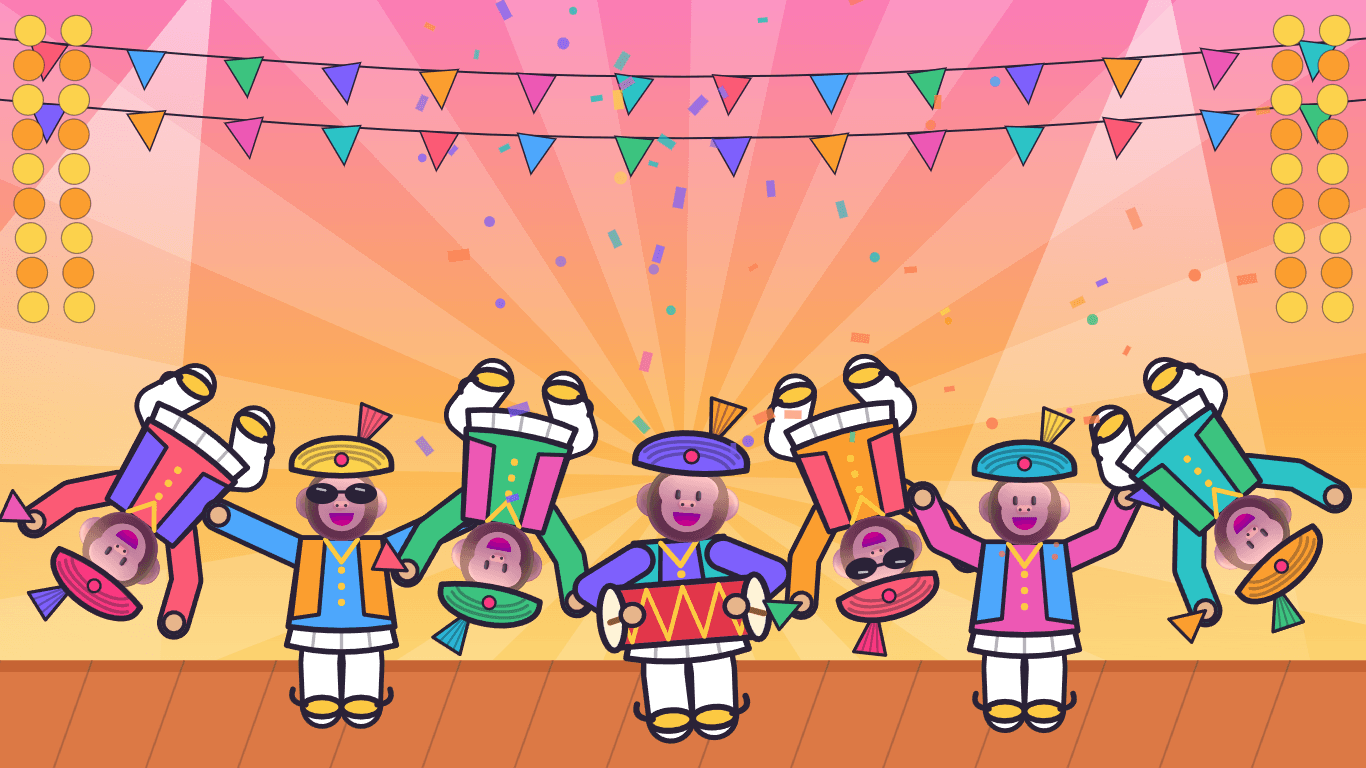
A minute into play, a troupe of monkeys dances onto a festival stage — kurtas, waistcoats, white dhotis, gold juttis and pagris with their fans shaking, one of them on the dhol and a couple in sunglasses. For a whole minute they bounce, spin in the air, windmill their arms, kick, head-bob and backflip to a dhol-and-tumbi beat, shouting “Balle balle!” and “Hoye hoye!”, then dance off the other side. A minute later another animal brings its own party: bears, pandas, cats, frogs, lions and more.
- A new animal troupe every time: monkeys first, then 16 more
- Real bhangra rhythm on a dhol, with tumbi, bass and chimta
- Nine crazy moves, from spin jumps to backflips
- Keys rest while the show is on, then play carries on
For parents
The PC is theirs until you say so.
While KeyPop plays, it catches every key before Windows does. The Windows key, Alt + Tab, Alt + F4, Ctrl + Esc and Ctrl + Shift + Esc open nothing, the accessibility pop-ups that Shift and Num Lock can summon stay away, and the mouse stays on the toy. To get the PC back, hold Ctrl, Alt and Shift and press P. That only counts when nothing else is held, so a palm across the keyboard cannot do it.
- Windows key, Alt + Tab, Alt + F4 and Task Manager shortcut switched off
- Exit: Ctrl + Alt + Shift + P, with nothing else held
- The screen stays on while they play
- Sound, voice, letters, animals and mouse effects can each be switched off
106
Keys with their own sound
and a note for every other one
58
Scenes
farm to outer space
0
Accounts or ads
nothing to sign up for
Ready to try KeyPop?
Free. No ads, no account. Updates itself.
A look inside KeyPop.
Bhangra party
Backflips!
On the farm
Under the sea
Outer space
Candy land
Snow day
For parents
Everything you need.
The rest of what KeyPop does.
Shortcuts switched off
The Windows key, Alt + Tab and the rest do nothing while your little one plays.
A sound for every key
Fifteen instruments, a drum kit and a big bass drum, all in one happy scale.
58 scenes
Farm, ocean, jungle, space, snow, candy land and more, each with its own animals and weather.
Talks back
Says the letter, the word and the animal's noise: “D! Duck! Quack quack!”
Bhangra party
Every minute a troupe of animals in pagris dances on with a dhol for a minute of crazy bhangra.
Always the latest
New versions install themselves, between play sessions.
Common questions.
Everything you need to know about KeyPop.
Is KeyPop free?
Yes. No advertising, no account, no in-app purchases and no analytics. It goes online only to check this site for a new version.
How do I get my PC back?
Hold Ctrl, Alt and Shift, then press P. KeyPop goes back to a normal window. It only counts when those four keys are the only ones held, so a baby leaning on the keyboard will not stumble on it.
Which keys does it block?
While KeyPop is playing, every key goes to the toy instead of Windows: the Windows key, Alt + Tab, Alt + F4, Ctrl + Esc, Ctrl + Shift + Esc and every other shortcut. The pop-ups for Sticky Keys and Filter Keys are held back too, and switched on again when you leave.
Can anything still get through?
Ctrl + Alt + Delete is handled by Windows itself, before any program sees it, so no program can block it. If it opens, press Cancel and KeyPop comes straight back. Laptop keys handled by the hardware, such as brightness, airplane mode and the power button, are also out of any program's reach. Please stay with your child while they play.
Why do the keys stop working for a minute sometimes?
That is the dance party. A minute into play, and a minute after each party, a troupe of animals dances on for a minute of bhangra. Keys rest while the show is on so it plays all the way through; when the dancers leave, every key works again. Ctrl + Alt + Shift + P still works during the show.
Does KeyPop record what is typed?
No. Each key press is turned into a picture and a sound on the screen and then forgotten. Nothing is saved and nothing is sent anywhere.
Where does the voice come from?
It is the English voice built into Windows, running on your PC. No internet is needed for it. You can switch the talking off in the settings.
Windows said KeyPop needs WebView2. What is that?
Microsoft Edge WebView2 is a free part of Windows that draws KeyPop's colourful screen. It is already on every Windows 11 PC and nearly every Windows 10 one. If yours is missing it, KeyPop offers to open Microsoft's download page.
Windows showed a blue “Windows protected your PC” screen. Is it safe?
That is SmartScreen, which Windows shows for new software from a small publisher it has not seen many downloads of yet. Click More info, then Run anyway. The installer is checked by dozens of antivirus engines on VirusTotal, and the result is shown on this page. It installs for your Windows account only and needs no admin rights.

Get KeyPop today.
Free. No ads, no account. Updates itself.
Version 1.1.0 · Windows 10 & 11
Counting visitors…
Reviews & suggestions.
Used KeyPop? Rate it, and tell us what to add or fix — we read every one.
Loading reviews…
Be the first to rate KeyPop.