Your phone handed you the bill.
Receipts reads Android's own record of which apps you used and prints it the way a till would: every app with how many times you opened it and for how long, how often you unlocked your phone, when you first picked it up, what you did after midnight — and the total, as a share of your waking day. Today, yesterday or the whole week, on three kinds of paper.
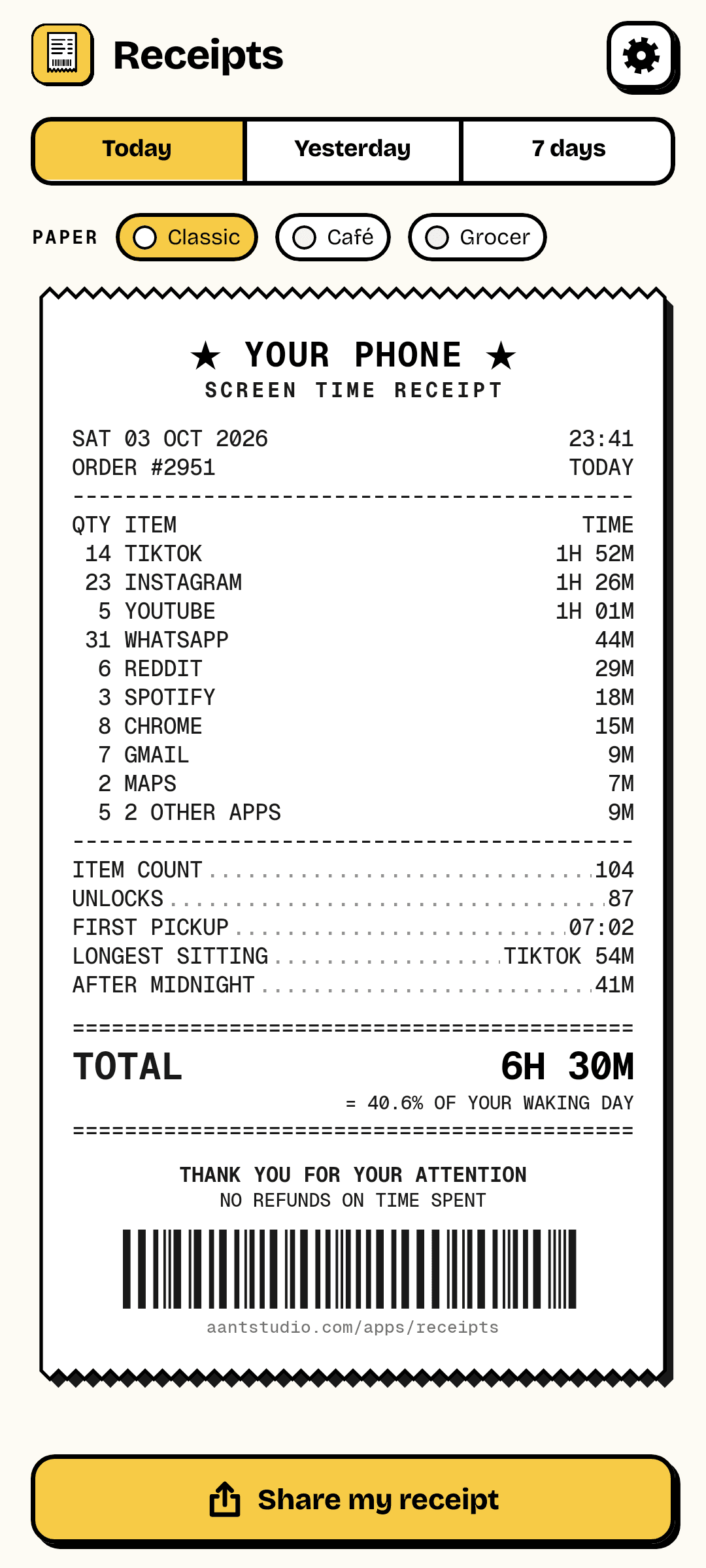
The receipt
Itemised, like a real one.
QTY is how many times you opened the app; TIME is how long you spent in it. Below the line: total opens, unlocks, your first pickup of the day, your longest single sitting and how much happened after midnight. At the bottom, the damage — and how much of your waking day it was.
- Every app, with opens and time
- Unlocks and first pickup
- Longest sitting, and after-midnight time
- Total as a share of your 16 waking hours
Any period
Today, yesterday, or the week.
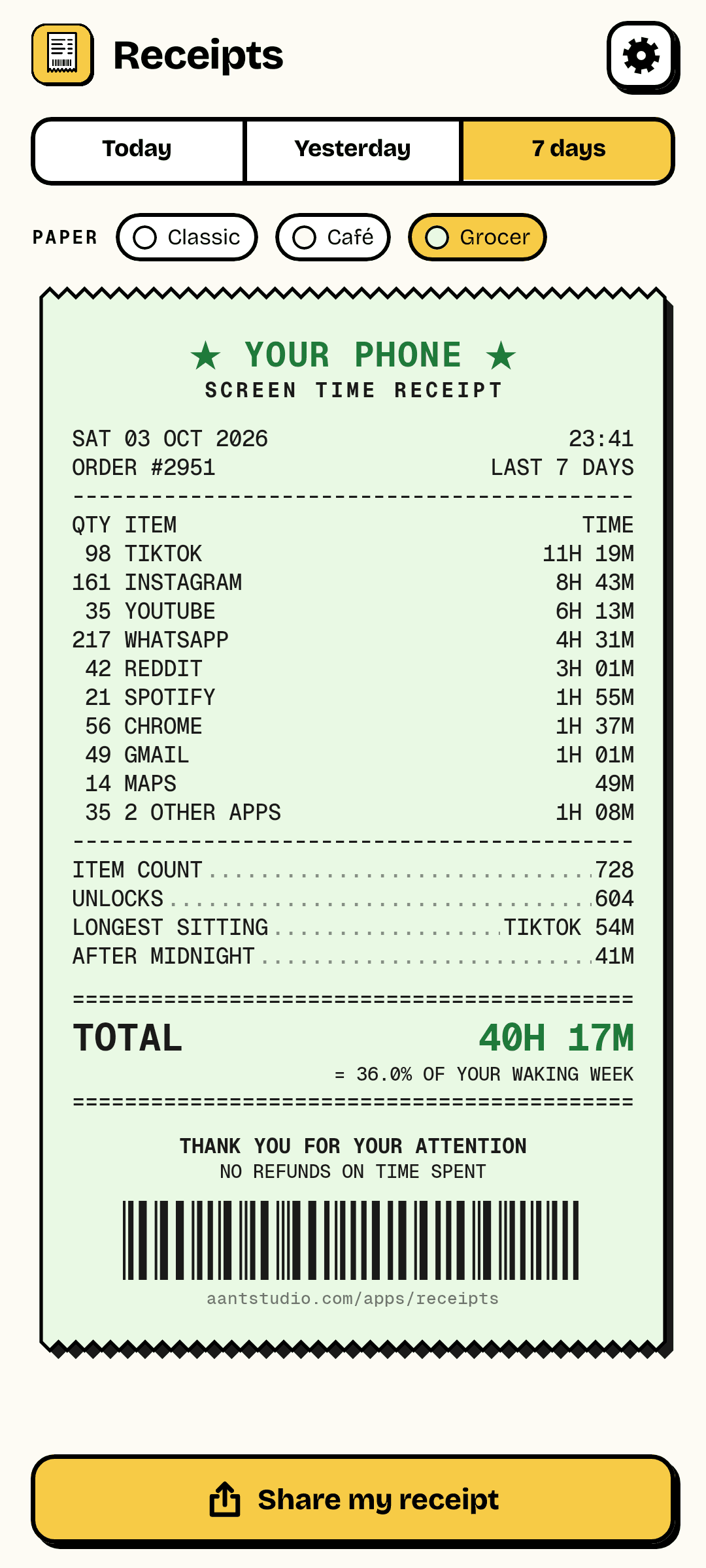
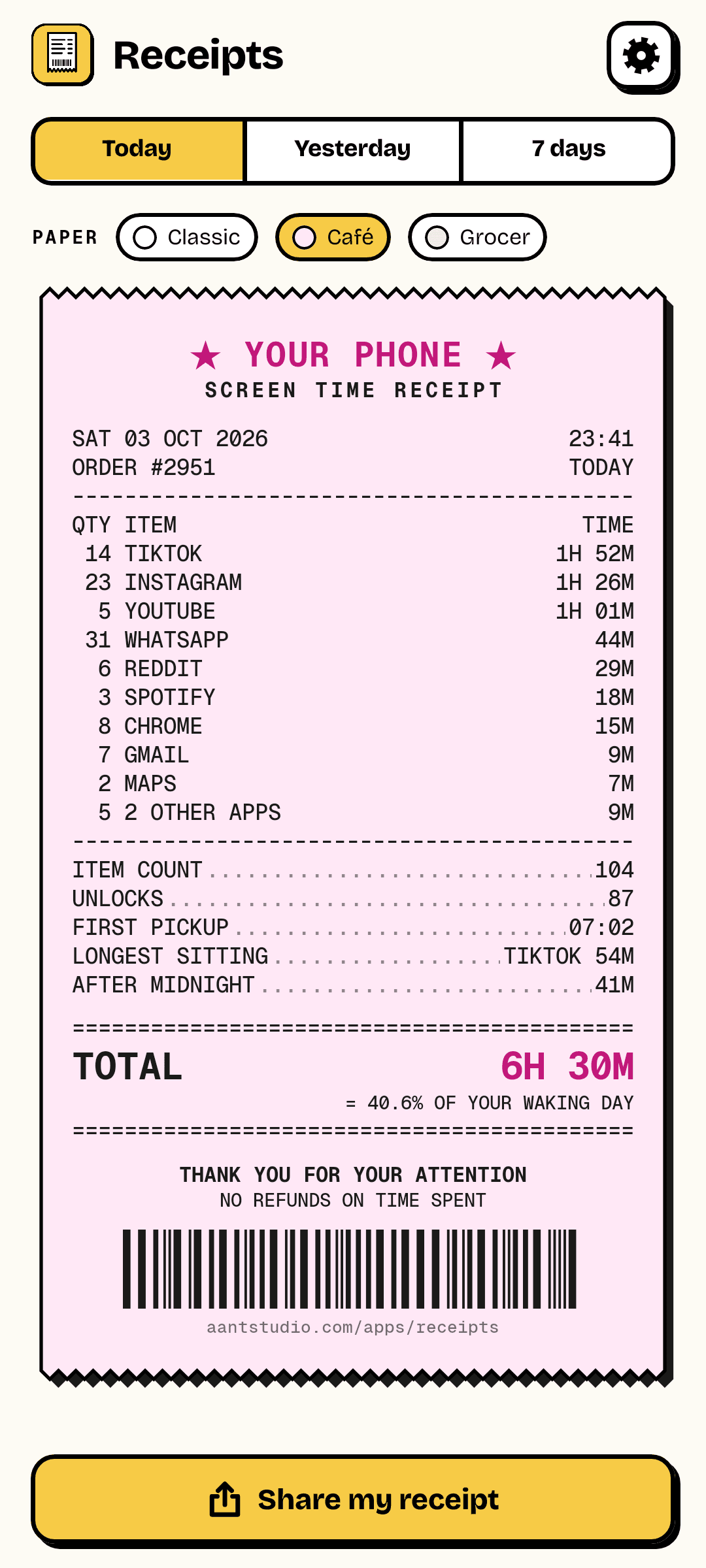
Switch periods and paper styles — classic white, café pink or grocer green — and share the receipt as a picture. It's worked out on your phone from Android's own usage records; nothing is uploaded to make it.
- Today, yesterday or the last 7 days
- Three paper styles
- Home screen time left out — only apps count
7
Days back
as far as Android keeps detail
3
Paper styles
classic, café, grocer
1.1 MB
Download
no ads, no account
Ready to try Receipts?
Free, straight from this page. No ads, no account, nothing to buy.
A look inside Receipts.
Today
Café paper
The whole week
One switch
Everything you need.
The rest of what Receipts does.
Per app
Opens and minutes for every app.
Unlocks
How many times you picked it up.
Late nights
What happened after midnight.
Any period
Today, yesterday or seven days.
Shareable
Post the receipt as a picture.
Stays on your phone
Worked out locally, never uploaded.
Common questions.
Everything you need to know about Receipts.
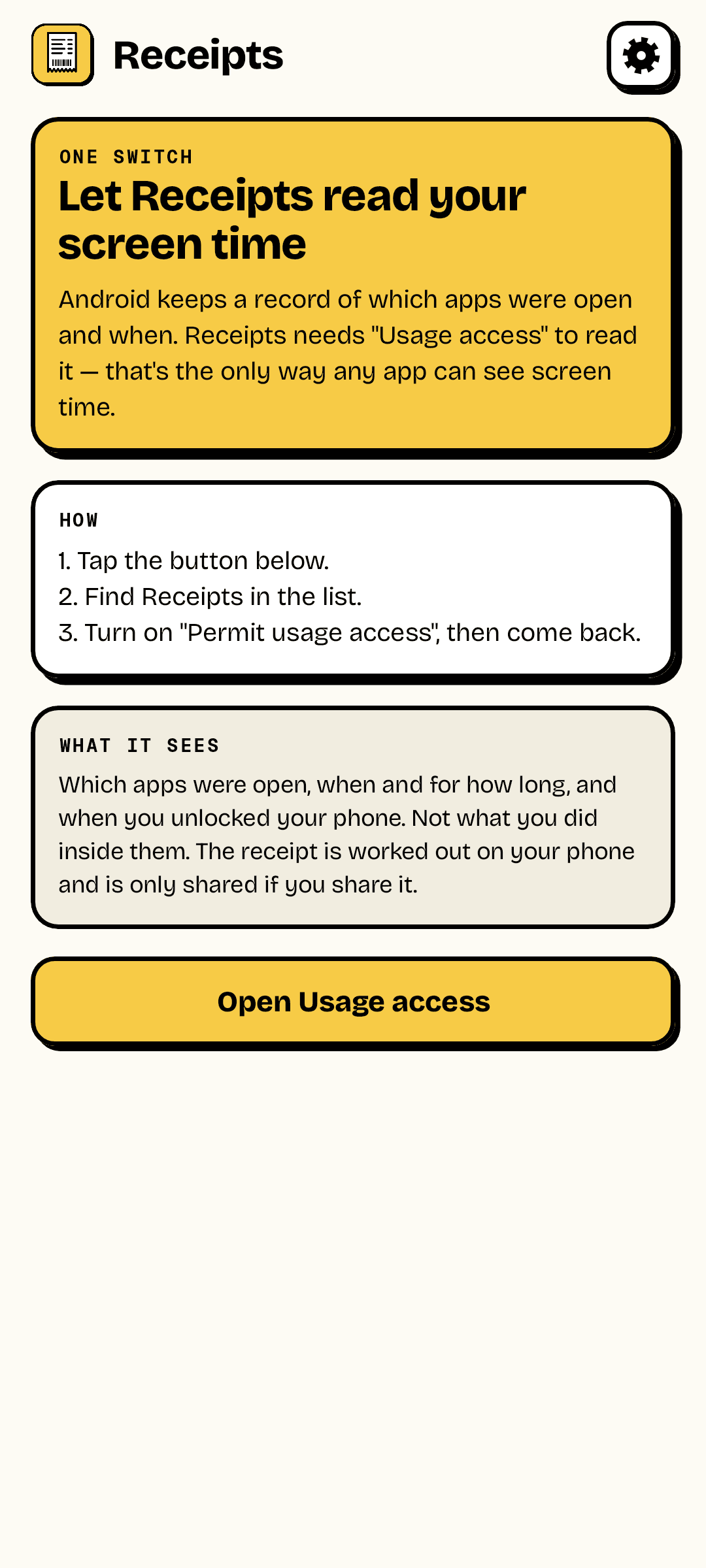
Why does it need "Usage access"?
It's the only way any Android app can read screen time. Android records which apps were in the foreground and when you unlocked the phone; Usage access lets Receipts read that record. You turn it on in Settings and can turn it off the same way.
Why is it different from Digital Wellbeing?
Slightly different rules: Receipts leaves out time on your home screen and in the system UI, merges switches within an app that are seconds apart into one visit, and counts an app that was already open at midnight from midnight. The totals usually land within a few minutes of each other.
Does it send my usage anywhere?
No. The receipt is worked out on your phone and only leaves it if you share it. The download from this site goes online for one thing only — to check this site for a new version of Receipts.
Where do I get it?
Free, as a direct download on this page. Android will ask you to allow installs from your browser the first time. It is not on Google Play yet.
Get Receipts today.
Free, straight from this page. No ads, no account, nothing to buy.
Version 1.0.0
Coming to Google Play soon.
Counting visitors…
Reviews & suggestions.
Used Receipts? Rate it, and tell us what to add or fix — we read every one.
Loading reviews…
Be the first to rate Receipts.